Best MacBook for Creators
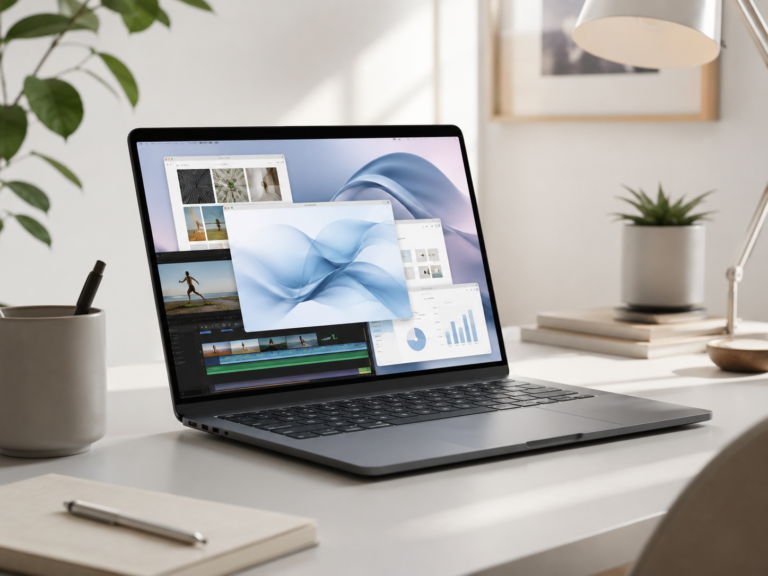
The best MacBook for creators depends on what you create. A writer, designer, photographer, YouTuber, musician, developer, and video editor do not all need the same laptop. The right choice is the one that gives you enough performance, screen quality, memory, storage, and portability without paying for power you will not use.
Most serious creators should start with the MacBook Pro.
If creative work is part of your income, business, school program, or weekly workload, the MacBook Pro is usually the safer pick. The MacBook Air still makes sense for lighter creators who mostly write, design graphics, edit photos casually, make short social videos, use web-based tools, or want the best value.
14-inch MacBook Pro
The easiest recommendation for creators who edit video, work in design apps, manage photo libraries, produce music, code, or want stronger headroom.
16-inch MacBook Pro
A strong choice if your work benefits from more screen space, longer timelines, larger canvases, bigger previews, and heavier sessions.
MacBook Air
Best for lighter creators who write, plan content, edit photos casually, make short videos, or mostly work in browser-based apps.
15-inch MacBook Air
A good middle ground if you want more room for editing, writing, notes, dashboards, and preview windows without moving up to Pro.
Choose MacBook Pro if creating is real work, not just occasional use.
The MacBook Air can handle a lot of light creative work, but the Pro makes more sense when creative apps stay open for long sessions, projects are large, deadlines matter, exports take time, or the display and performance headroom directly improve your day.
What matters most for creators?
Performance
Video, audio, design, photography, development, and 3D work benefit from stronger sustained performance.
Display quality
Creators spend hours looking at timelines, previews, photos, layouts, colors, and text.
Memory and storage
Large files, creative apps, plug-ins, tabs, exports, and project libraries can add up quickly.
Ports and portability
External drives, displays, cameras, audio gear, card readers, and travel weight all matter.
MacBook Air vs MacBook Pro for creators
Recommended setup by creator type
Video creator
MacBook Pro. Better for timelines, previews, exports, external drives, color work, and longer editing sessions.
Photographer or designer
MacBook Pro for heavier work. MacBook Air can work for lighter edits, simple design, and web graphics.
Writer or content planner
MacBook Air. Best for writing, research, publishing tools, outlines, notes, email, and web apps.
Travel creator
14-inch MacBook Pro if performance matters. MacBook Air if portability and value matter more.
How much should creators upgrade?
The most common mistake is spending everything on the laptop and forgetting the rest of the creator setup. For many creators, extra memory, enough storage, a good external drive, a reliable backup plan, and a better display can matter more than chasing the highest possible chip.
If you work with large files, avoid buying the bare minimum configuration just because the starting price looks better. If you create casually, do not assume you need a MacBook Pro just because you use creative apps sometimes.
Final recommendation
For most serious creators, the 14-inch MacBook Pro is the best place to start. It gives a strong balance of performance, display quality, portability, ports, and long-term headroom without jumping straight to the biggest laptop.
Choose the MacBook Air if your creative work is lighter, mostly browser-based, writing-focused, or casual. Move up to the 16-inch MacBook Pro when the larger screen and heavier sustained performance are worth the added size.
Keep comparing before you buy.
| MacBook Air vs Pro | Remote Work Guide |
| Student Guide | Best Mac Deals |
Affiliate disclosure: As an Amazon Associate I earn from qualifying purchases. Some buttons on this page may be affiliate links, meaning ShopMac may earn a commission at no extra cost to you. Recommendations are based on what makes sense for buyers, not the highest commission.