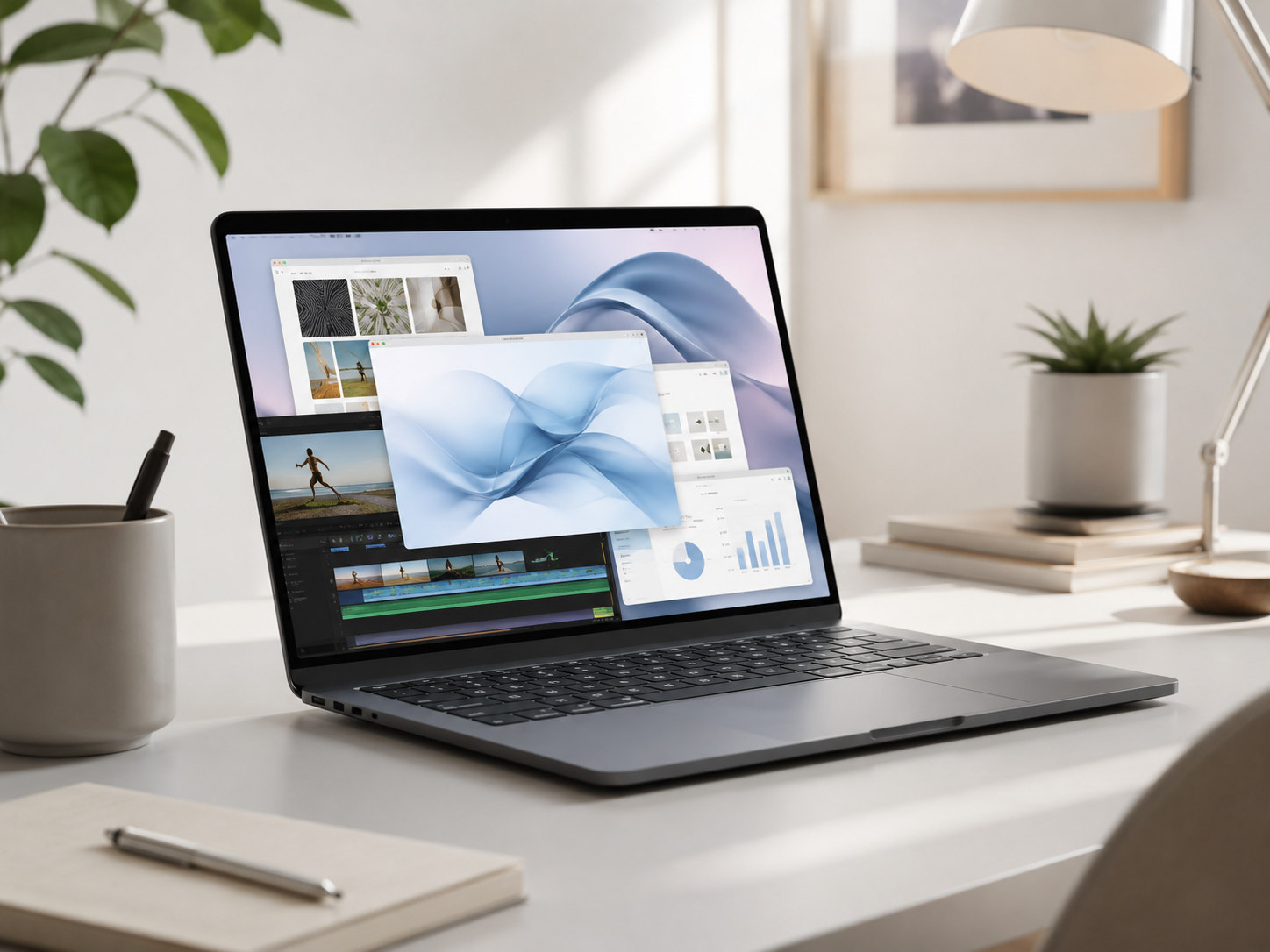
Is MacBook Air Powerful Enough?
A lot of buyers worry that the MacBook Air is the weak MacBook. For most people, that is not true. The MacBook Air is already powerful enough for everyday work, school, remote work, browsing, documents, video calls, light editing, and normal multitasking.
Yes, MacBook Air is powerful enough for most buyers.
MacBook Air is a great choice for students, remote workers, families, business users, writers, casual creators, and everyday buyers. The MacBook Pro is better when your work regularly includes heavier creative apps, larger projects, long exports, development environments, multiple external displays, or sustained professional workloads.
MacBook Air
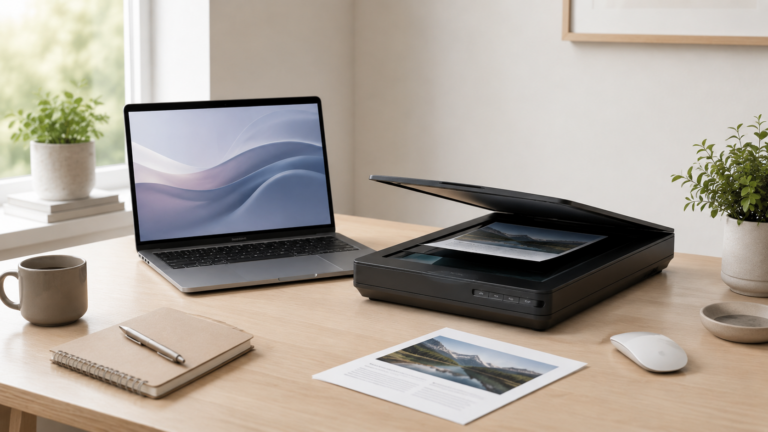
Enough power for web browsing, email, documents, streaming, video calls, school, and normal productivity.
MacBook Air
Great for meetings, browser apps, spreadsheets, documents, messaging, and everyday work tools.
MacBook Air
Works well for light photo editing, short videos, writing, content planning, and social media projects.
MacBook Pro
The safer choice for serious editing, production apps, development, large projects, and long work sessions.
Choose MacBook Air unless your workload clearly needs Pro.
The MacBook Air is not just the cheaper MacBook. It is the right MacBook for a huge number of buyers. Move up to the MacBook Pro when the work itself is heavy enough that performance, ports, display quality, or sustained speed will actually matter.
What can MacBook Air handle well?
Everyday work
Email, documents, spreadsheets, browsing, streaming, shopping, writing, and normal apps are all easy work for MacBook Air.
School and remote work
Video calls, research, cloud apps, notes, assignments, meetings, and productivity tools are a strong fit.
Light creative work
MacBook Air can handle casual photo editing, short videos, content planning, design tools, and simple creative projects.
Portability
The Air is thin, light, quiet, efficient, and easy to carry every day, which matters more than raw power for many buyers.
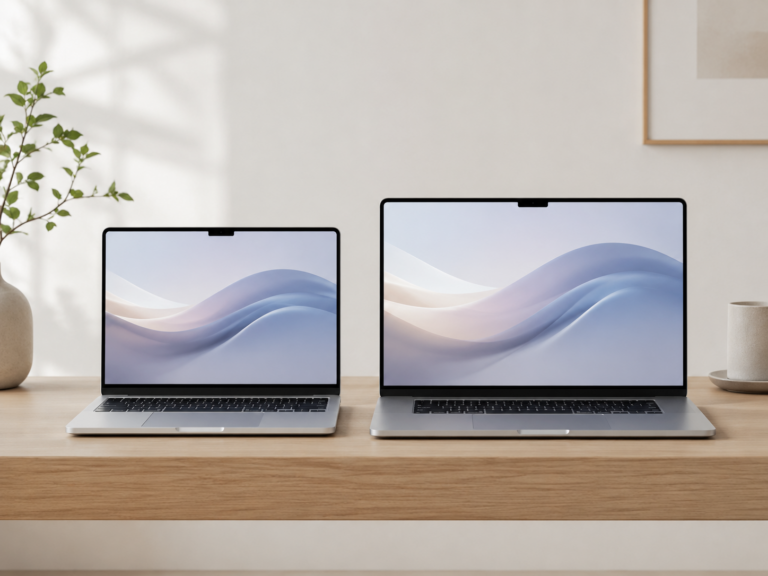
MacBook Air vs MacBook Pro for performance
Recommended MacBook by workload
Everyday buyer
MacBook Air. Best for browsing, streaming, email, documents, family use, and normal apps.
Student or remote worker
MacBook Air. Great for notes, research, meetings, assignments, dashboards, and web apps.
Casual creator
MacBook Air. Works for light photos, short videos, writing, planning, graphics, and social content.
Heavy creator or developer
MacBook Pro. Better for larger projects, pro apps, sustained workloads, and long-term headroom.
How should you configure a MacBook Air?
If you are worried about the MacBook Air lasting, memory and storage are usually the first things to think about. Many buyers are better off choosing a well-configured MacBook Air than stretching to a MacBook Pro with a configuration that is too limited.
For basic use, the entry configuration can be fine. For years of multitasking, school, remote work, or light creative work, consider upgrading memory or storage before assuming you need the Pro.
Final recommendation
For most people, the MacBook Air is absolutely powerful enough. It is one of the best Mac choices for everyday use, school, remote work, writing, browsing, meetings, and light creative tasks.
Choose MacBook Pro when your workload is clearly heavier. If your day is mostly browser tabs, documents, video calls, email, notes, and normal apps, MacBook Air is probably the smarter buy.
Keep comparing before you buy.
| MacBook Air vs Pro | Mac Processor Guide |
| Mac Memory Guide | Best Mac Deals |
Affiliate disclosure: As an Amazon Associate I earn from qualifying purchases. Some buttons on this page may be affiliate links, meaning ShopMac may earn a commission at no extra cost to you. Recommendations are based on what makes sense for buyers, not the highest commission.