MacBook comparison guide
MacBook Air vs Pro: Which One Should You Buy?
MacBook Air and MacBook Pro are both excellent laptops, but they are built for different buyers. The right choice depends less on the name and more on how much performance you actually need.
Quick answer
Most buyers should choose MacBook Air unless they have a clear reason to buy Pro.
MacBook Air is usually the smarter choice for everyday work, students, remote workers, writers, and many business buyers. MacBook Pro is better when your workload stays demanding for long stretches or when the Pro display, ports, and performance headroom are worth the added cost.
Best value
MacBook Air
The better starting point for most everyday users who want strong performance, better portability, and a lower overall cost.
Best power
MacBook Pro
The better choice for heavier creative work, software development, media editing, and sustained workloads.
Best portability
13-inch MacBook Air
The easiest option if size, weight, battery life, and travel matter more than maximum performance.
Best pro setup
14-inch or 16-inch MacBook Pro
The right direction if display quality, ports, performance, and long workload headroom matter more than price.
Simple decision
Buy MacBook Air for value. Buy MacBook Pro for sustained performance.
The MacBook Pro is not automatically the better buy. It is the better tool when the work is actually heavy enough to use it. For most people, MacBook Air delivers the better balance of portability, battery life, performance, and price.
What matters most when choosing Air or Pro?
Workload
Everyday work points toward Air. Heavy editing, development, production, and large projects point toward Pro.
Portability
MacBook Air is easier to carry and usually makes more sense for travel, school, commuting, and meetings.
Sustained performance
MacBook Pro is better when the laptop will be pushed hard for long periods rather than quick bursts.
Display
The Pro line can be worth it if the display quality matters for creative work or long professional sessions.
Ports
MacBook Pro may reduce the need for adapters if your setup depends on more built-in connectivity.
Budget
For many buyers, money is better spent on memory, storage, a monitor, backup storage, or accessories.
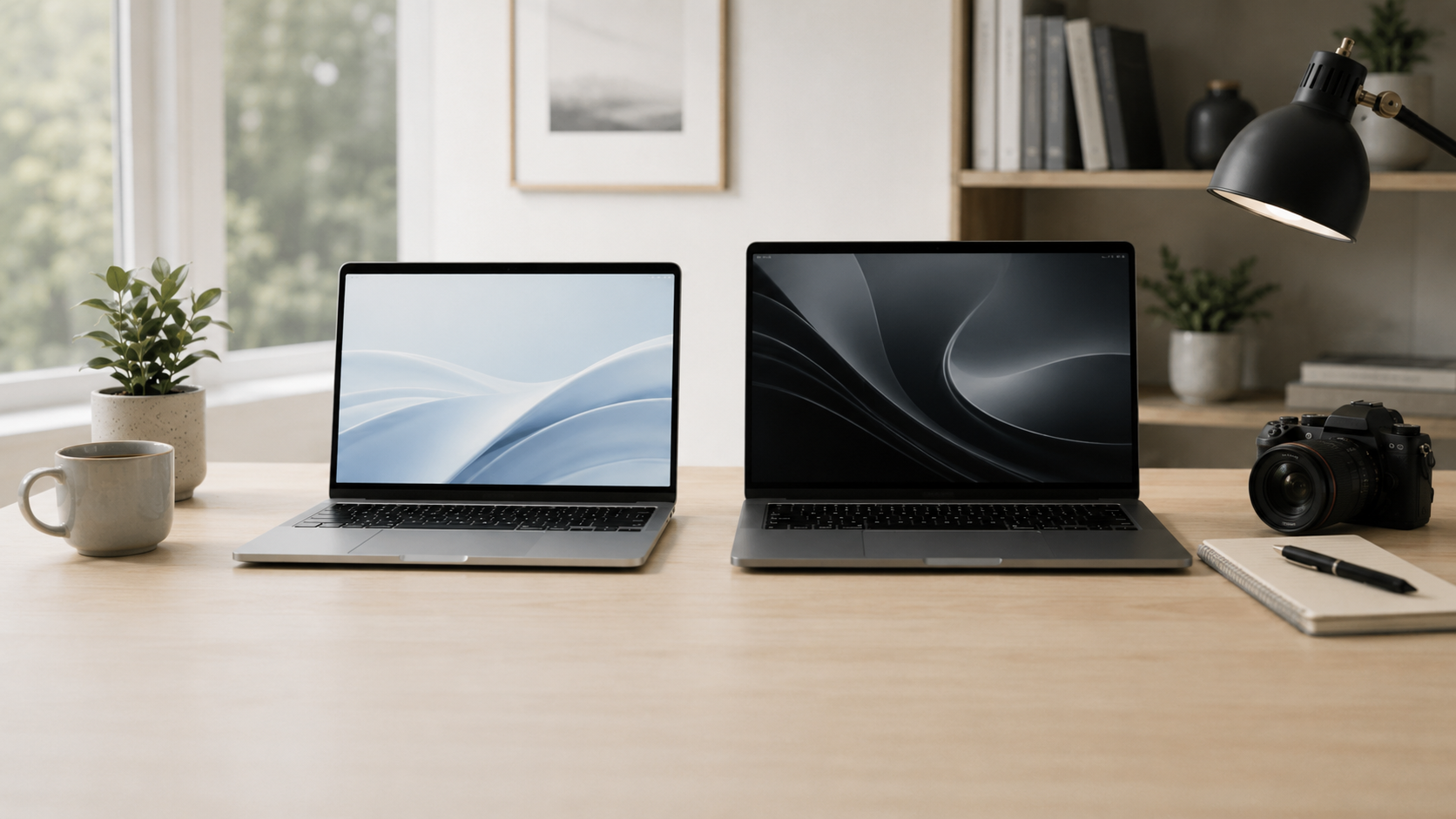
MacBook Air vs MacBook Pro
Recommended choice by buyer type
Everyday buyer
MacBook Air. Best for browsing, email, documents, schoolwork, video calls, streaming, and normal multitasking.
Remote worker or student
13-inch or 15-inch MacBook Air. Choose based on whether portability or screen space matters more.
Creator or developer
MacBook Pro. Better for video editing, coding, design files, music production, large projects, or sustained workloads.
Performance-focused buyer
14-inch or 16-inch MacBook Pro. Best when display quality, ports, and performance headroom matter more than price.
How much should you upgrade?
Do not treat the MacBook Pro as the default upgrade. For many buyers, a well-configured MacBook Air is a smarter purchase than a base-level Pro bought only for the name.
Think about memory and storage before chasing the most expensive processor. A balanced configuration often feels better in real everyday use than buying extra performance you rarely touch.
Final recommendation
Choose MacBook Air if you want the best value, better portability, and enough power for everyday work.
Choose MacBook Pro if your workload regularly pushes the laptop hard or if the Pro display, ports, and sustained performance are genuinely useful for the way you work.
Related ShopMac guides
Keep comparing before you buy.
| Student Guide | Remote Work Guide |
| Small Business Guide | Best Mac Deals |
Affiliate disclosure: As an Amazon Associate I earn from qualifying purchases. Some buttons on this page may be affiliate links, meaning ShopMac may earn a commission at no extra cost to you. Recommendations are based on what makes sense for buyers, not the highest commission.