Mac mini vs Mac Studio
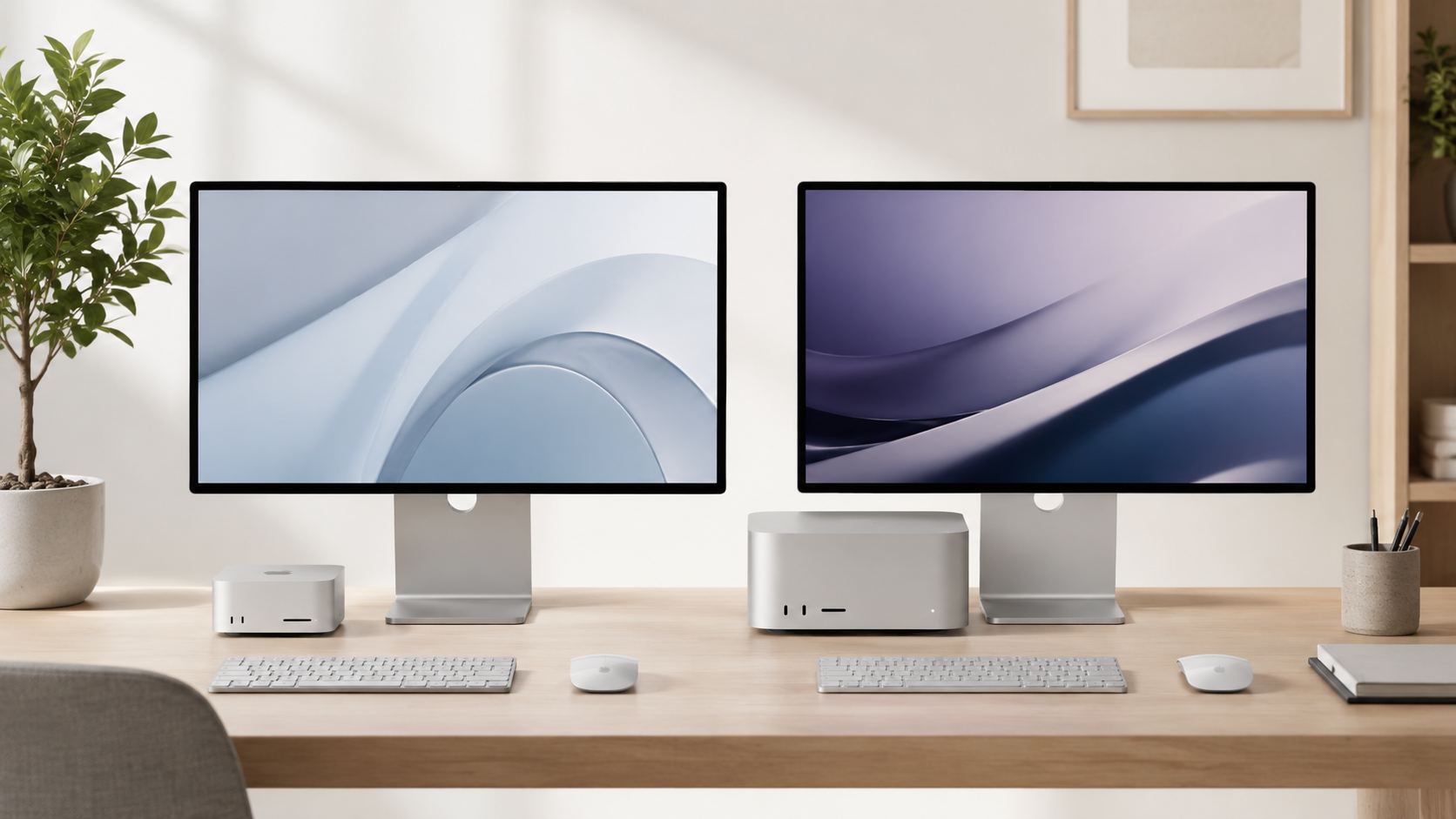
Mac mini and Mac Studio are both excellent desktop Macs, but they are built for different buyers. The Mac mini is the better value for most people, while Mac Studio is for heavier creative, technical, and professional workflows that need more sustained performance and headroom.
Most buyers should choose the Mac mini.
The Mac mini is the smarter starting point for most home offices, students, remote workers, families, small businesses, and everyday desktop setups. Mac Studio makes sense when your work regularly includes demanding creative apps, large projects, heavy multitasking, video editing, 3D work, production workloads, or technical tasks that benefit from stronger sustained performance.
Mac mini
The best desktop Mac for most people thanks to its performance, size, simplicity, quiet design, and lower starting cost.
Mac Studio
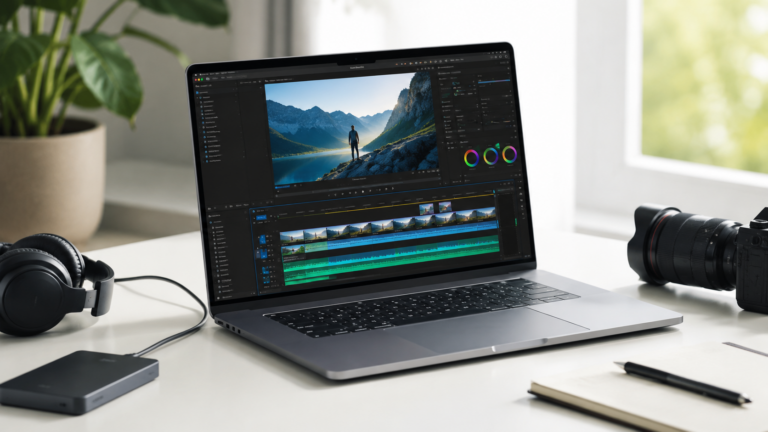
Better for video editing, rendering, 3D work, production apps, large creative files, and heavier professional projects.
Mac mini
Excellent for documents, email, browser tabs, meetings, spreadsheets, office apps, and a clean permanent desk setup.
Mac Studio
The better choice if you want more performance headroom for heavy work that stays demanding year after year.
Buy Mac mini unless your workload clearly needs Mac Studio power.
The Mac mini handles far more than people expect. Mac Studio becomes worth the extra cost when your apps, exports, rendering times, multitasking, or production workloads genuinely benefit from stronger sustained performance and additional desktop headroom.
What matters most when comparing them?
Workload
If your work is mostly browser-based, office-focused, or light creative work, Mac mini is usually enough.
Sustained performance
Mac Studio is better when the computer stays under heavy load for long sessions, not just quick bursts.
Desk setup
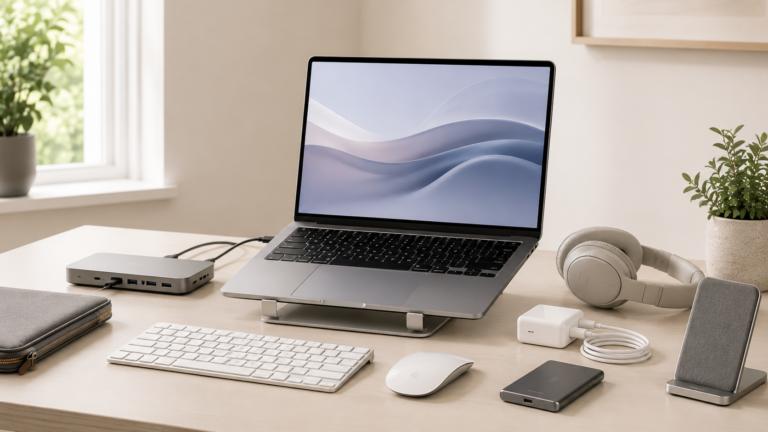
Both need a monitor, keyboard, mouse or trackpad, speakers or headphones, storage, and any docks you need.
Total budget
A better monitor, storage setup, backup drive, or accessories may matter more than jumping to Mac Studio.
Mac mini vs Mac Studio
Recommended desktop by buyer type
Everyday home user
Mac mini. Best for browsing, email, photos, family use, streaming, documents, and a simple desktop setup.
Home office or small business
Mac mini. Great for office apps, browser tools, meetings, spreadsheets, documents, and reliable daily work.
Creator or developer
Mac mini for lighter work. Mac Studio if projects are large, sessions are long, or performance saves time every week.
Professional studio
Mac Studio. Better for production environments, heavy apps, large files, and demanding desktop workflows.
How much should you upgrade?
The most common mistake is comparing only the computer and forgetting the rest of the desk setup. A good monitor, keyboard, mouse or trackpad, external storage, backup drive, dock, speakers, and webcam can change the experience more than jumping to a more expensive Mac.
For most people, a well-configured Mac mini plus a good display is a better value than stretching to Mac Studio. Choose Mac Studio when the work itself clearly needs more performance, not just because it sounds more professional.
Final recommendation
For most people, the Mac mini is the better desktop Mac. It is compact, powerful, quiet, and usually leaves more budget for the monitor, storage, and accessories that make a desktop setup feel complete.
Choose Mac Studio if your workload is clearly professional or demanding enough to justify the cost. If you cannot explain exactly why Mac Studio will save time or improve your workflow, the Mac mini is probably the smarter buy.
Keep comparing before you buy.
| Mac mini vs iMac | Mac Processor Guide |
| Mac Memory Guide | Best Mac Deals |
Affiliate disclosure: As an Amazon Associate I earn from qualifying purchases. Some buttons on this page may be affiliate links, meaning ShopMac may earn a commission at no extra cost to you. Recommendations are based on what makes sense for buyers, not the highest commission.