Best MacBook for Video Editing
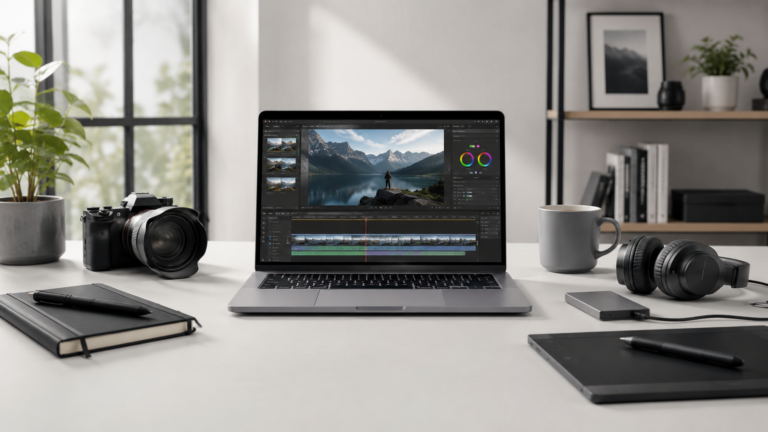
Video editing is one of the clearest reasons to be careful when choosing a MacBook. Short social clips, YouTube videos, 4K timelines, client projects, color work, motion graphics, and long exports do not all need the same laptop. The best choice depends on how serious your editing is and how much time performance can save you.
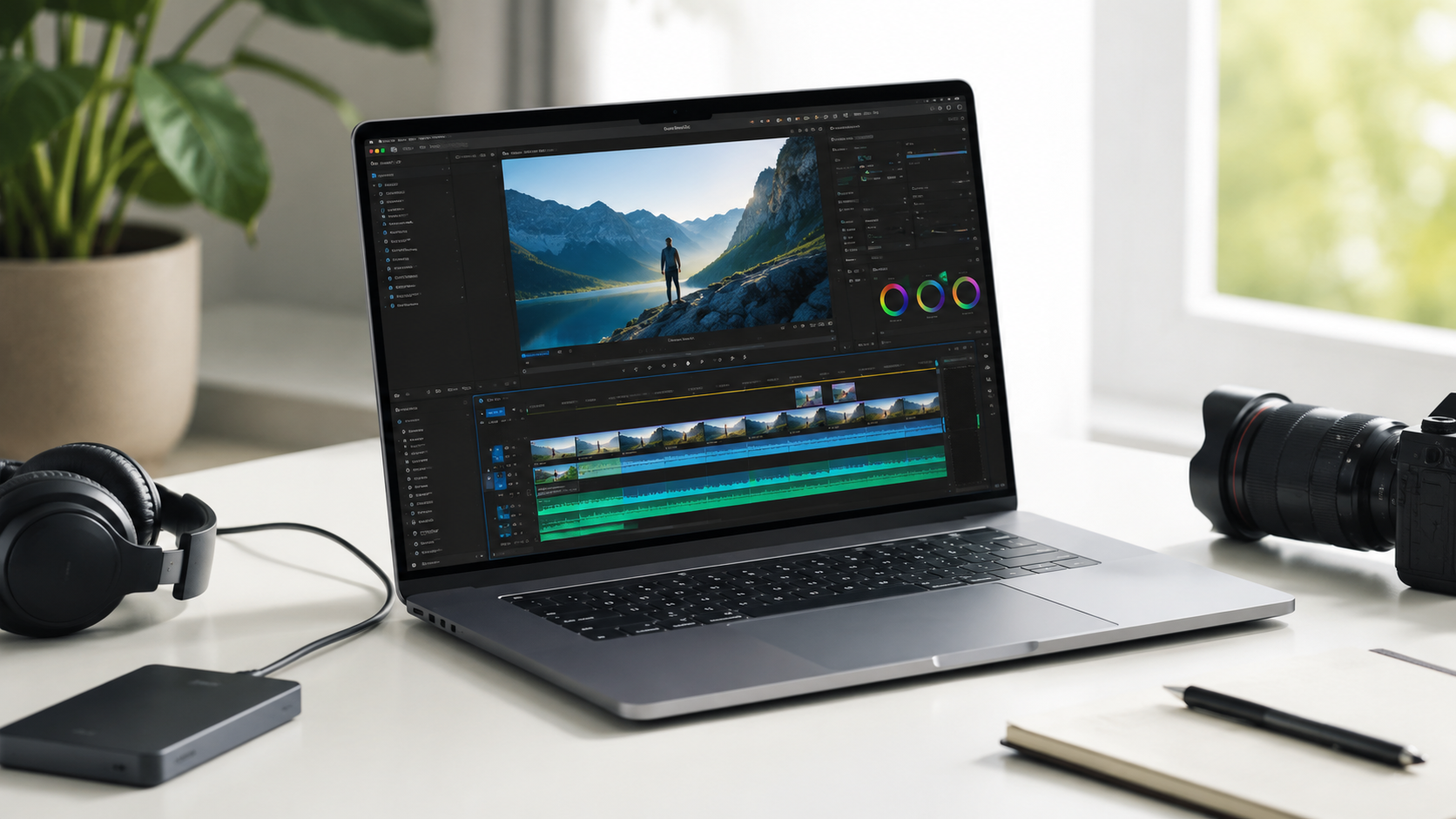
Most serious video editors should choose a MacBook Pro.
MacBook Air can handle lighter video projects, especially short clips and basic editing. But if video editing is part of your business, school program, content schedule, or weekly workflow, the MacBook Pro is the better starting point because it gives you stronger sustained performance, better display options, more ports, and more headroom.
14-inch MacBook Pro
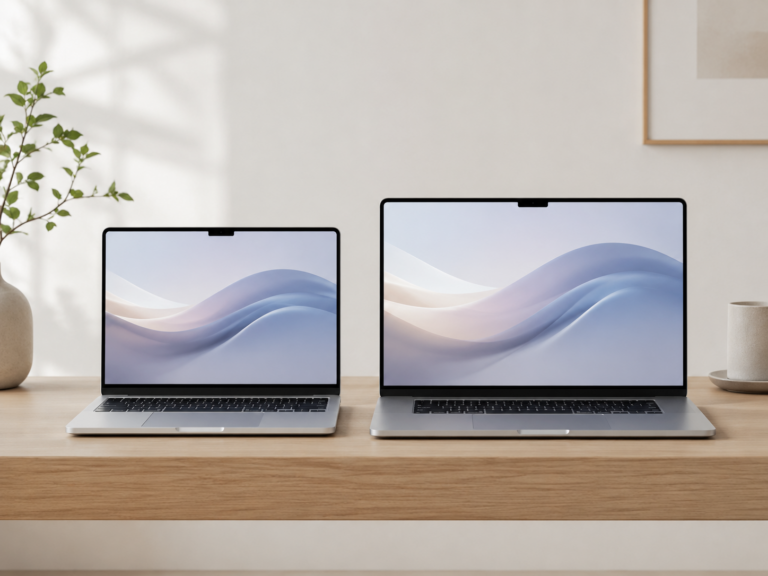
The best balance for most video editors who need real performance without moving to the largest laptop.
16-inch MacBook Pro
Best for long editing sessions, bigger timelines, larger previews, and a more comfortable mobile editing setup.
MacBook Air
Works for casual YouTube edits, social clips, school projects, simple cuts, and lighter content creation.
Higher-end MacBook Pro
Best for serious 4K work, larger projects, motion graphics, heavier multitasking, and faster export workflows.
Choose MacBook Pro if editing time matters.
The MacBook Air can edit video, but the Pro line is built for heavier sustained workloads. If exports, previews, playback, effects, color work, or multitasking affect your day, the MacBook Pro is usually worth the jump.
What matters most for video editing?
Sustained performance
Video editing can push a MacBook for long sessions, not just quick bursts of speed.
Memory
Timelines, effects, background apps, browser tabs, and creative tools can all be open at once.
Storage
Footage, project files, caches, exports, proxies, and archives can fill internal storage quickly.
Display and ports
Editors often need accurate previews, external displays, fast drives, card readers, docks, and audio gear.
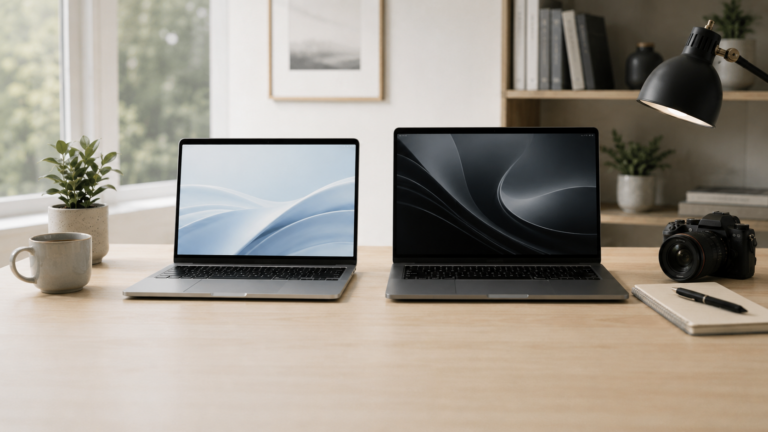
MacBook Air vs MacBook Pro for video editing
Recommended setup by video editor type
Casual editor
MacBook Air. Best for short clips, basic YouTube edits, school projects, and simple content creation.
YouTube creator
14-inch MacBook Pro. Better for regular uploads, larger projects, external drives, and multitasking.
Professional editor
14-inch or 16-inch MacBook Pro. Choose based on screen size, travel needs, and project complexity.
Heavy production
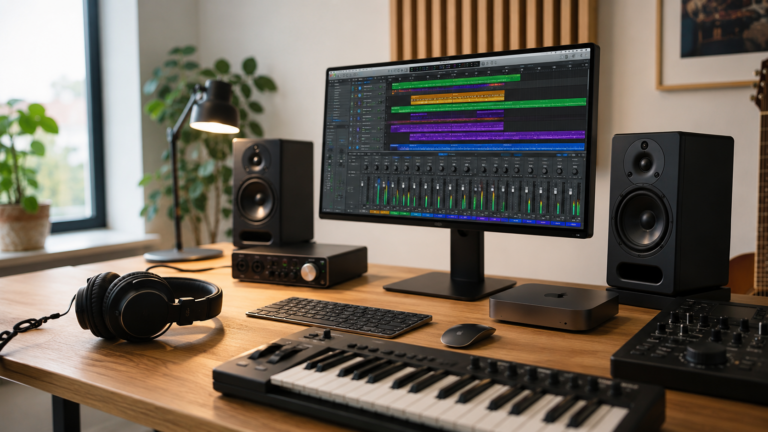
Higher-end MacBook Pro. Best for complex timelines, motion graphics, large footage libraries, and faster export work.
How much should video editors upgrade?
For video editing, upgrades should be based on your actual projects. Memory, storage, and chip tier can all matter, but not every editor needs the highest-end MacBook. Short edits and simple timelines are very different from complex multi-layer projects.
If editing is casual, keep the configuration reasonable and budget for external storage. If editing is paid work or a serious content workflow, prioritize enough memory, enough internal storage for active projects, and a MacBook Pro configuration that will not feel cramped after a year or two.
Final recommendation
For most video editors, the 14-inch MacBook Pro is the best starting point. It gives strong performance, a better display, useful ports, and enough headroom for serious creative work.
Choose the MacBook Air only for lighter video work. Choose the 16-inch MacBook Pro if screen size matters more than portability, or if you spend long sessions editing away from an external monitor.
Keep comparing before you buy.
| Creator Guide | Mac Processor Guide |
| Mac Storage Guide | Best Mac Deals |
Affiliate disclosure: As an Amazon Associate I earn from qualifying purchases. Some buttons on this page may be affiliate links, meaning ShopMac may earn a commission at no extra cost to you. Recommendations are based on what makes sense for buyers, not the highest commission.