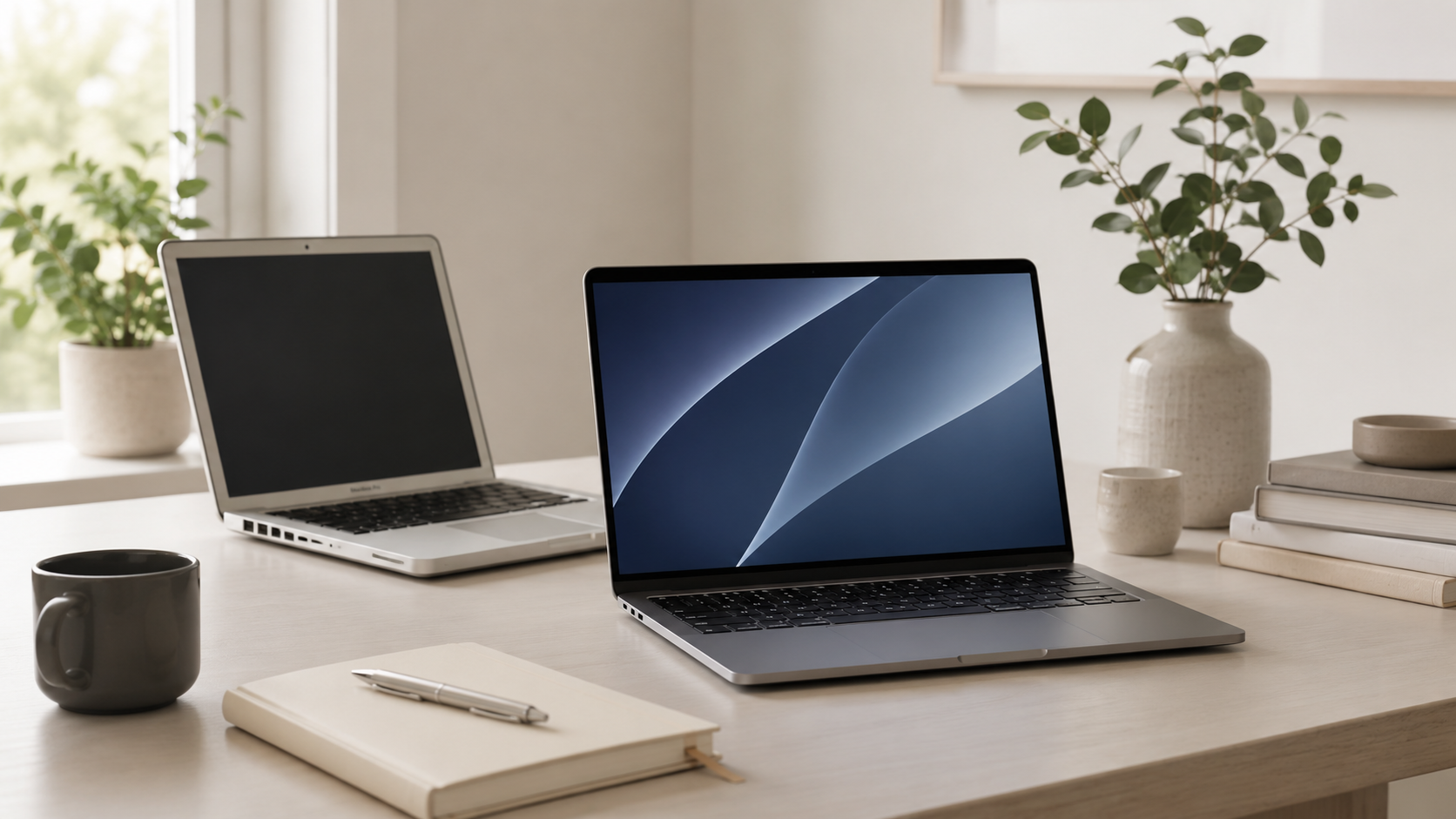
How Long Do Macs Last?
One of the biggest reasons people buy Macs is longevity. A good Mac can often stay useful for many years, especially if you choose the right configuration and take care of battery health, storage, software updates, and everyday maintenance.
Most Macs can realistically last 5 to 8 years or more.
For normal buyers, a Mac often remains usable much longer than people expect. Performance, battery health, memory, storage, software support, and workload type all affect how long a Mac continues feeling fast, reliable, and practical.
MacBook Air
Excellent battery life, strong efficiency, portability, and enough performance for most buyers for many years.
MacBook Pro
Better for demanding long-term workflows where stronger sustained performance and more headroom matter.
Mac mini
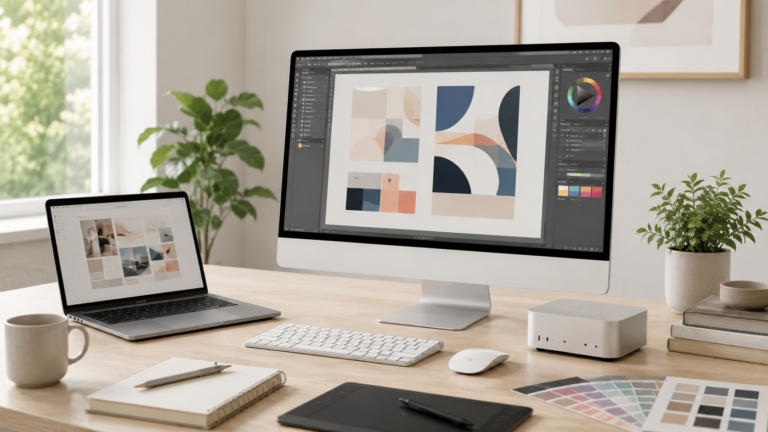
A strong long-term desktop option when paired with a good monitor, storage setup, keyboard, and accessories.
Mac Studio
Designed for heavier professional workloads, production setups, and long-term performance headroom.
Buy the Mac that will still feel good years from now.
The cheapest configuration is not always the best long-term value. Buyers who keep Macs for many years often benefit more from choosing enough memory and storage than chasing the most expensive processor option.
What affects how long a Mac lasts?
Memory
A Mac with too little memory may still work years later, but multitasking and newer apps can begin feeling slower.
Storage
Running near full storage can affect updates, downloads, file management, and everyday usability over time.
Battery health
MacBook batteries naturally wear down, but a battery replacement can extend the useful life of a good laptop.
Workload type
A Mac used for browsing and documents may feel fast longer than one used for editing, rendering, or heavy development.
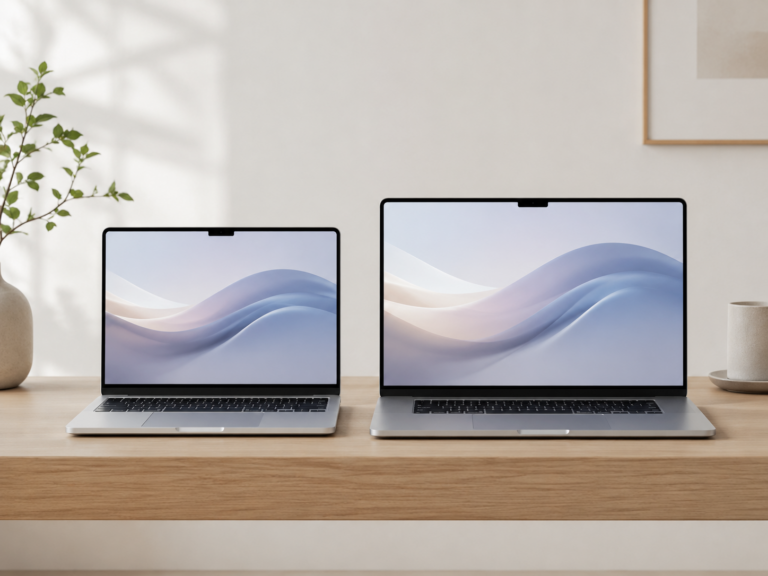
MacBook Air vs MacBook Pro for longevity
Recommended Mac by long-term buyer type
Everyday buyer
MacBook Air. Great for web browsing, streaming, documents, school, travel, and normal multitasking for many years.
Creator or power user
MacBook Pro. Better for editing, development, production workloads, larger projects, and longer performance headroom.
Desktop setup
Mac mini. A strong long-term desktop option when paired with a monitor, keyboard, storage, and backup plan.
Professional workstation
Mac Studio. Better for production environments and demanding professional workflows that stay heavy every day.
How should you buy for longevity?
The smartest long-term Mac purchase is usually not the most expensive one. For most buyers, choosing enough memory and storage is more important than paying for the highest processor tier.
If you plan to keep a Mac for many years, avoid cutting the configuration too close. Buy enough headroom for your real workload, keep storage organized, protect the battery, and use a real backup plan.
Final recommendation
Most modern Macs age very well when configured properly. Apple Silicon Macs are efficient, quiet, and powerful enough for years of everyday work.
Choose MacBook Air for the best long-term value for normal use. Choose MacBook Pro if your workload is heavier. Choose Mac mini for a long-lasting desktop setup, and Mac Studio only when professional workloads clearly justify it.
Keep comparing before you buy.
| MacBook Air vs Pro | Mac Memory Guide |
| Mac Storage Guide | Best Mac Deals |
Affiliate disclosure: As an Amazon Associate I earn from qualifying purchases. Some buttons on this page may be affiliate links, meaning ShopMac may earn a commission at no extra cost to you. Recommendations are based on what makes sense for buyers, not the highest commission.