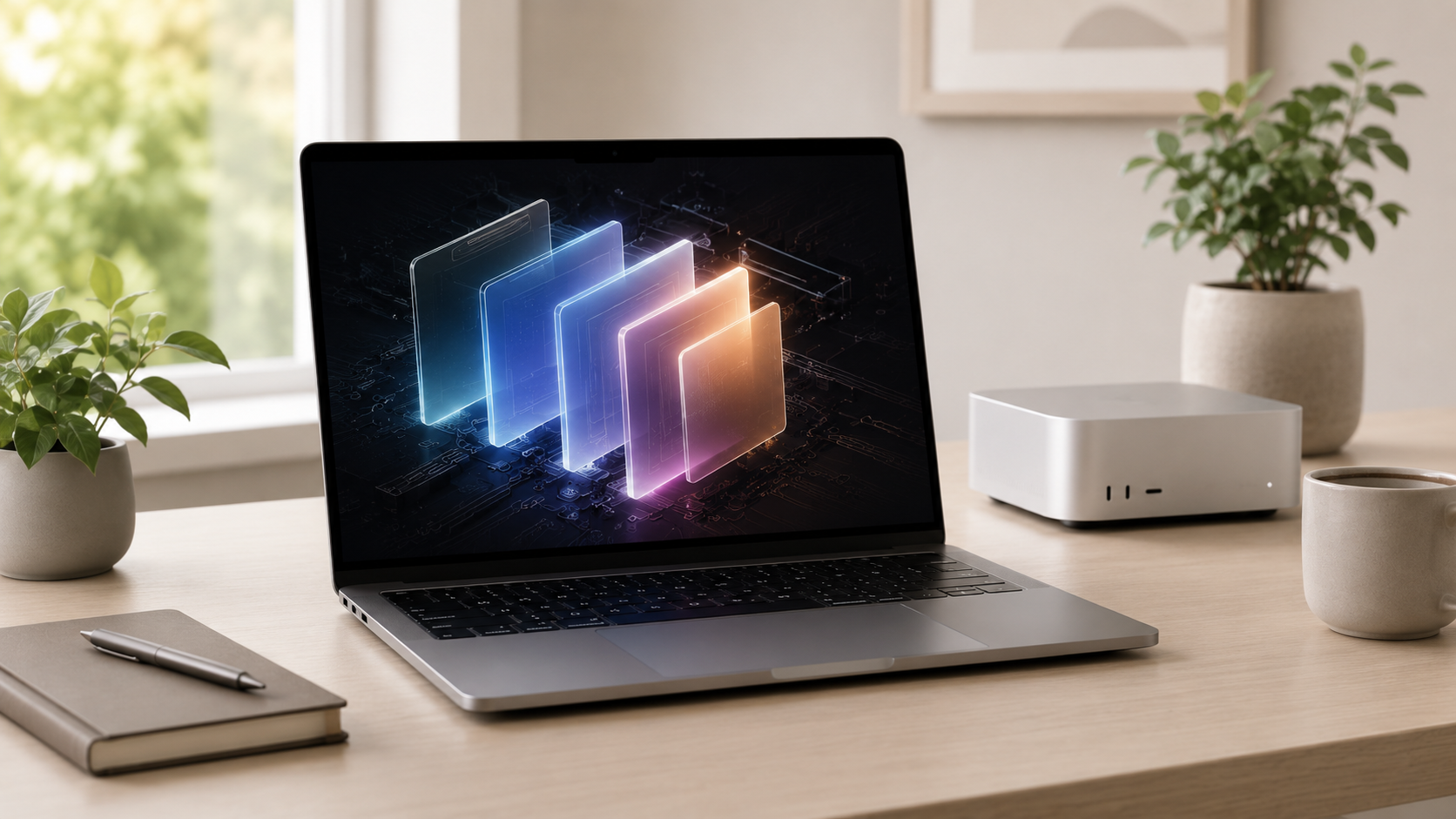
Apple M-Series Mac Processors Explained
Apple’s M-series chips can look confusing because the names sound simple but the buying decision is not always obvious. Regular M-series, Pro, Max, and Ultra-class chips are designed for different buyers and different workloads.
Most buyers do not need the highest Apple chip tier.
For everyday buyers, students, remote workers, and normal business use, a regular M-series chip is usually the best value. Pro chips are better for heavier work. Max chips are for serious creative and technical workflows. Ultra-class chips are for specialized desktop workloads.
Regular M-series
Best for everyday use, school, remote work, business tasks, browsing, documents, and light creative work.
Pro-class chips
Better for creators, developers, larger projects, heavier multitasking, and users who need more headroom.
Max-class chips
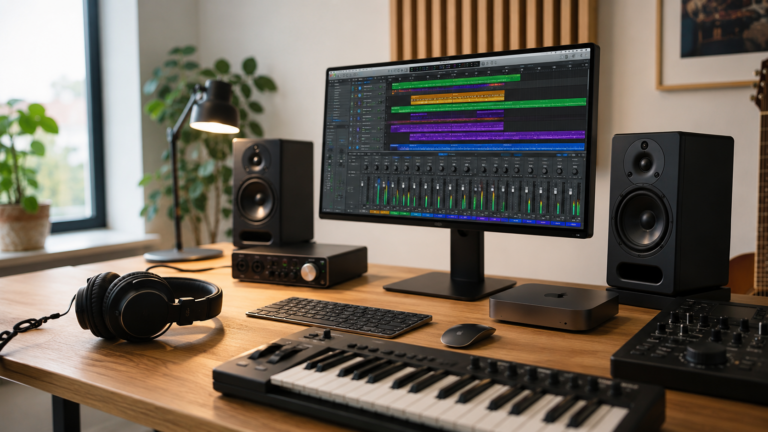
Best for demanding video, graphics, 3D, large creative files, and serious production workflows.
Ultra-class chips
Only worth it for specialized desktop workflows where the workload clearly justifies extreme performance.
If you are unsure, regular M-series or Pro is probably enough.
Max and Ultra-class chips are powerful, but most buyers will not fully use them. It is usually smarter to buy the chip tier that matches your workload, then spend carefully on memory, storage, display, and accessories.
What makes Apple chips different?
Performance tier
The chip tier affects how much performance headroom you have for heavier apps and sustained work.
Graphics power
Higher tiers usually matter more for video, 3D, graphics, external displays, and creative workflows.
Memory options
More advanced chips often support higher memory configurations for larger projects and heavier multitasking.
Mac model
Chip choices are tied to the Mac you buy, so the right processor often depends on the right Mac first.
Regular M-series vs Pro, Max, and Ultra
Recommended chip by buyer type
Everyday buyer
Regular M-series. Best for browsing, email, documents, school, streaming, and normal productivity.
Creator or developer
Pro-class chip. Better for heavier apps, larger projects, and more long-term performance headroom.
Heavy creative pro
Max-class chip. Best for demanding video, graphics, 3D, production, and large creative workflows.
Studio workstation
Ultra-class chip. Only for specialized desktop work where extreme performance is clearly needed.
How much should you upgrade?
A faster chip is useful only if your workload can actually use it. Many buyers are better off choosing a regular or Pro-class chip and spending more carefully on memory, storage, display quality, and the rest of the setup.
If your work saves real time from faster exports, builds, previews, rendering, or sustained performance, a higher chip tier can be worth it. If your day is mostly browser tabs and documents, it is probably overkill.
Final recommendation
For most Mac buyers, a regular M-series chip is the best value. It is already strong enough for normal productivity, school, remote work, business use, and everyday tasks.
Move up to Pro when your workload is clearly heavier. Choose Max for serious creative or technical work. Choose Ultra-class desktop performance only when you already know why the lower tiers are not enough.
Keep comparing before you buy.
| Processor Buying Guide | Mac Memory Guide |
| Mac Storage Guide | Best Mac Deals |
Affiliate disclosure: As an Amazon Associate I earn from qualifying purchases. Some buttons on this page may be affiliate links, meaning ShopMac may earn a commission at no extra cost to you. Recommendations are based on what makes sense for buyers, not the highest commission.