Best Mac for Graphic Design
The best Mac for graphic design depends on how serious your work is. Logo design, layouts, social graphics, illustration, branding, web design, print files, and professional creative work can all have different display, memory, storage, and performance needs.
Most graphic designers should start with a MacBook Pro, iMac, or Mac mini setup.
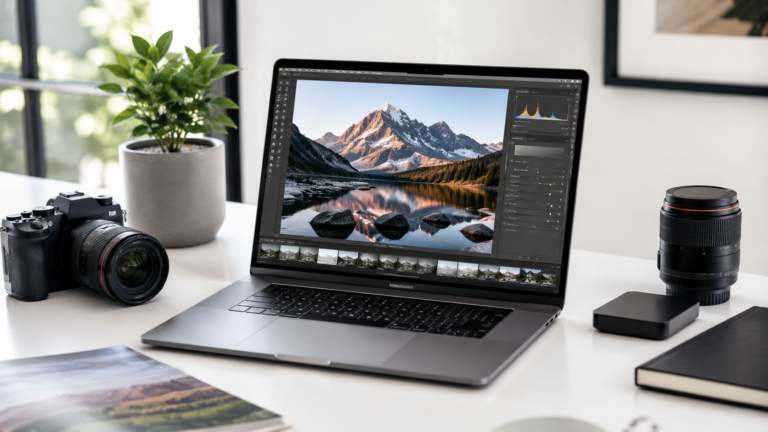
MacBook Air works well for lighter design work, student projects, social graphics, and web-based design tools. For more serious design work, a MacBook Pro, iMac, or Mac mini with a good display usually makes more sense because screen quality, memory, storage, and comfort matter every day.
14-inch MacBook Pro
The best balance for designers who want portability, performance, display quality, and long-term headroom.
iMac
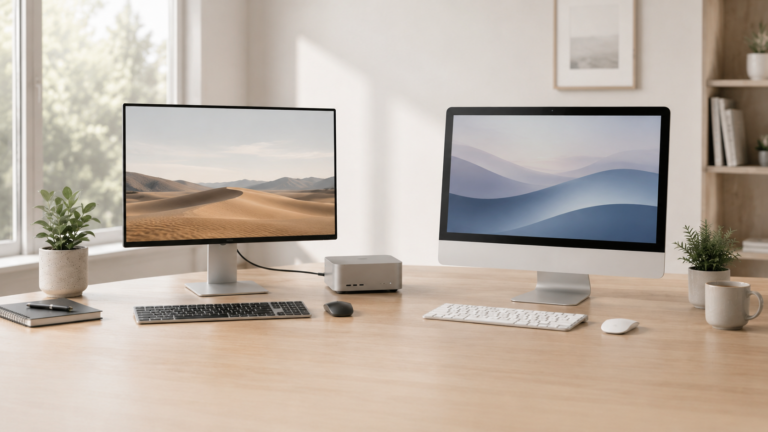
Great for designers who want an all-in-one Mac with a clean desk setup and built-in display.
Mac mini
Strong choice if you want to choose your own monitor, keyboard, mouse, and storage setup.
MacBook Air
Good for students, social graphics, Canva-style tools, lighter design work, and portable creative tasks.
For design work, the display matters as much as the Mac.
Graphic design is visual work. Performance matters, but display quality, screen size, color consistency, memory, storage, and desk comfort can affect your workflow just as much as the processor.
What matters most for graphic design?
Display quality
Designers need a screen that makes text, layouts, colors, contrast, and details easy to judge.
Memory
Design apps, browser tabs, reference files, fonts, assets, and background tools can all stay open together.
Storage
Design files, exports, client folders, fonts, images, and asset libraries can add up over time.
Portability
A laptop is better if you work from different places, while a desktop setup is better for a fixed design workspace.
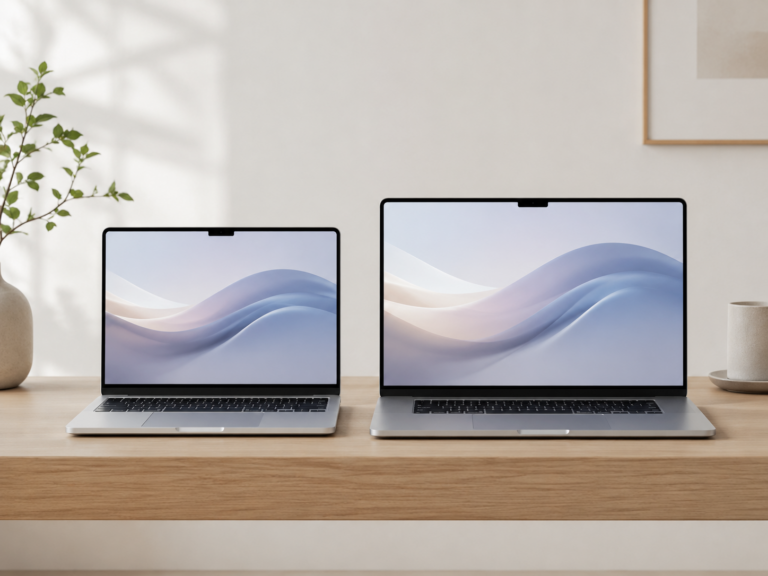
MacBook vs desktop Mac for graphic design
Recommended Mac by design workflow
Student designer
MacBook Air or 14-inch MacBook Pro. Choose Pro if design work is serious or part of your program.
Freelance designer
14-inch MacBook Pro. Best balance of portability, display quality, performance, and client-work flexibility.
Home studio
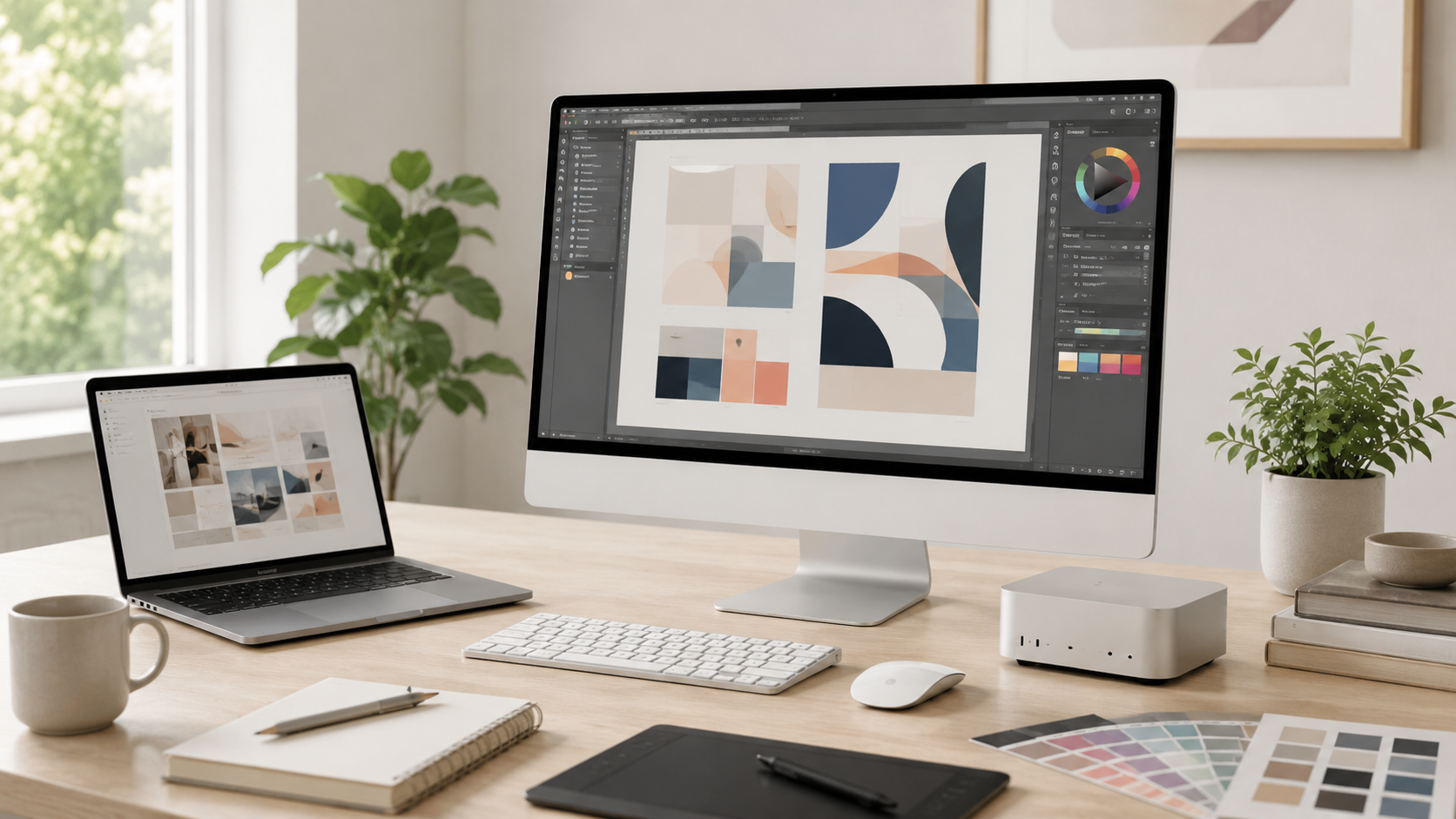
Mac mini with a good monitor. Strong value if you want a comfortable design desk setup.
Simple creative desk
iMac. Best if you want an all-in-one Mac desktop without choosing separate accessories.
How much should designers upgrade?
For graphic design, memory and display quality are often more important than buying the highest chip tier. A smooth design workflow usually means keeping design apps, browser tabs, assets, references, and communication tools open together.
If you work with large files, print projects, client folders, or lots of assets, storage also matters. Avoid cutting the configuration too close if design is part of your job, school program, or business.
Final recommendation
For most serious graphic designers, the 14-inch MacBook Pro is the safest laptop choice. It gives strong performance, a good built-in display, portability, and long-term headroom.
Choose MacBook Air for lighter design work. Choose iMac for a clean all-in-one desk. Choose Mac mini if you want the best desktop value and plan to pair it with a good monitor.
Keep comparing before you buy.
| Creator Guide | Best Monitor for MacBook |
| Mac Memory Guide | Best Mac Deals |
Affiliate disclosure: As an Amazon Associate I earn from qualifying purchases. Some buttons on this page may be affiliate links, meaning ShopMac may earn a commission at no extra cost to you. Recommendations are based on what makes sense for buyers, not the highest commission.