Best Scanners That Work With Mac
The best scanner for Mac depends on what you scan. Documents, receipts, photos, school papers, legal files, business records, and creative work all need different scanner features. The most important thing is choosing a scanner with reliable current Mac support.
Most Mac users should choose a scanner with current macOS support and simple software.
Do not buy a scanner based only on price. Make sure it supports current Mac software, works with your connection type, and fits the kind of scanning you actually do. A great document scanner is not always the best photo scanner, and a flatbed scanner is not always the best office scanner.
Document scanner
Best for receipts, tax documents, office files, legal papers, forms, and multi-page scanning.
Flatbed photo scanner
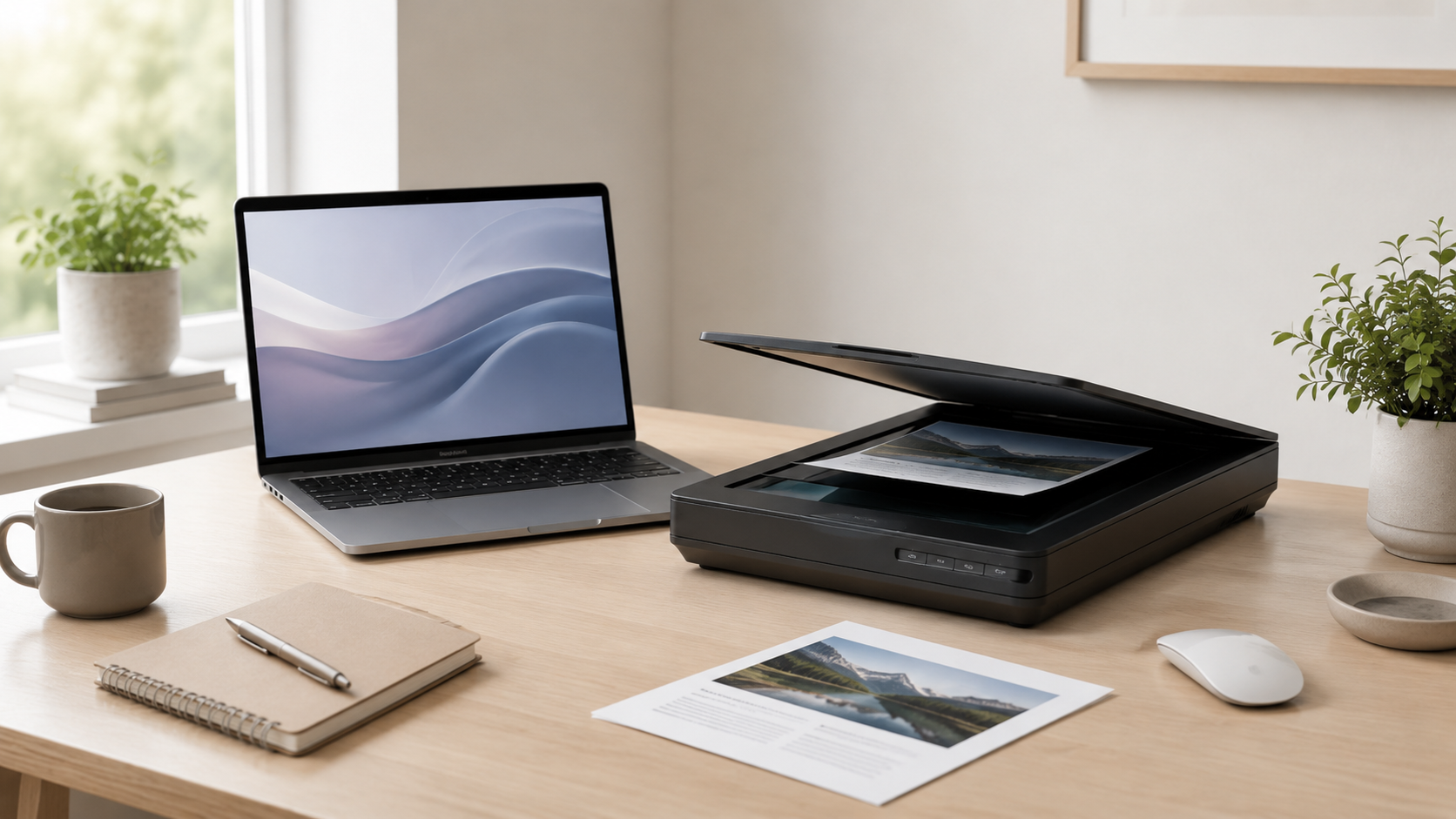
Better for photos, artwork, delicate documents, books, and items that cannot go through a feeder.
All-in-one printer scanner
Useful for casual home scanning if you also need printing and do not scan large batches often.
Network scanner
Good for shared spaces where multiple Macs need to scan from the same device.
Choose the scanner type first, then check Mac support.
The best scanner is not just the one with the highest resolution or lowest price. Start with what you scan most often, then make sure the scanner has reliable macOS support, current software, and the connection options you need.
What matters most in a Mac scanner?
Mac software support
Check that the scanner supports current macOS versions and does not rely on abandoned software.
Scanner type
Document scanners, flatbeds, photo scanners, and all-in-one devices solve different problems.
Connection method
USB is simple, while Wi-Fi or Ethernet can be better for shared office setups.
Scanning volume
A person scanning one receipt a week does not need the same scanner as an office scanning piles of documents.
Document scanner vs flatbed scanner
Recommended scanner by user type
Home user
All-in-one or simple document scanner. Best for occasional papers, receipts, school forms, and basic scanning.
Small office
Document scanner. Better for multi-page scanning, records, receipts, tax files, and regular paperwork.
Photo archive
Flatbed photo scanner. Better for old family photos, artwork, albums, delicate documents, and image quality.
Shared workspace
Network scanner. Useful when multiple Macs need access from the same office or desk area.
How much should you spend on a Mac scanner?
Spend based on scanning volume and reliability. If you scan a few documents per month, a simple setup is probably enough. If scanning is part of your business or office workflow, paying more for speed and reliability can be worth it.
Before buying, check Mac compatibility, current software, return policy, connection type, document feeder quality, and whether the scanner fits your actual workflow.
Final recommendation
For most Mac users who scan paperwork, a document scanner with current macOS support is the best choice. For photos, artwork, and delicate originals, a flatbed scanner makes more sense.
Do not buy only on price. The best scanner for Mac is the one that works reliably with your Mac, fits your scanning type, and does not turn every scan into a troubleshooting project.
Keep comparing before you buy.
| Scanner Compatibility | Accessories Guide |
| Home Office Mac | Best Mac Deals |
Affiliate disclosure: As an Amazon Associate I earn from qualifying purchases. Some buttons on this page may be affiliate links, meaning ShopMac may earn a commission at no extra cost to you. Recommendations are based on what makes sense for buyers, not the highest commission.