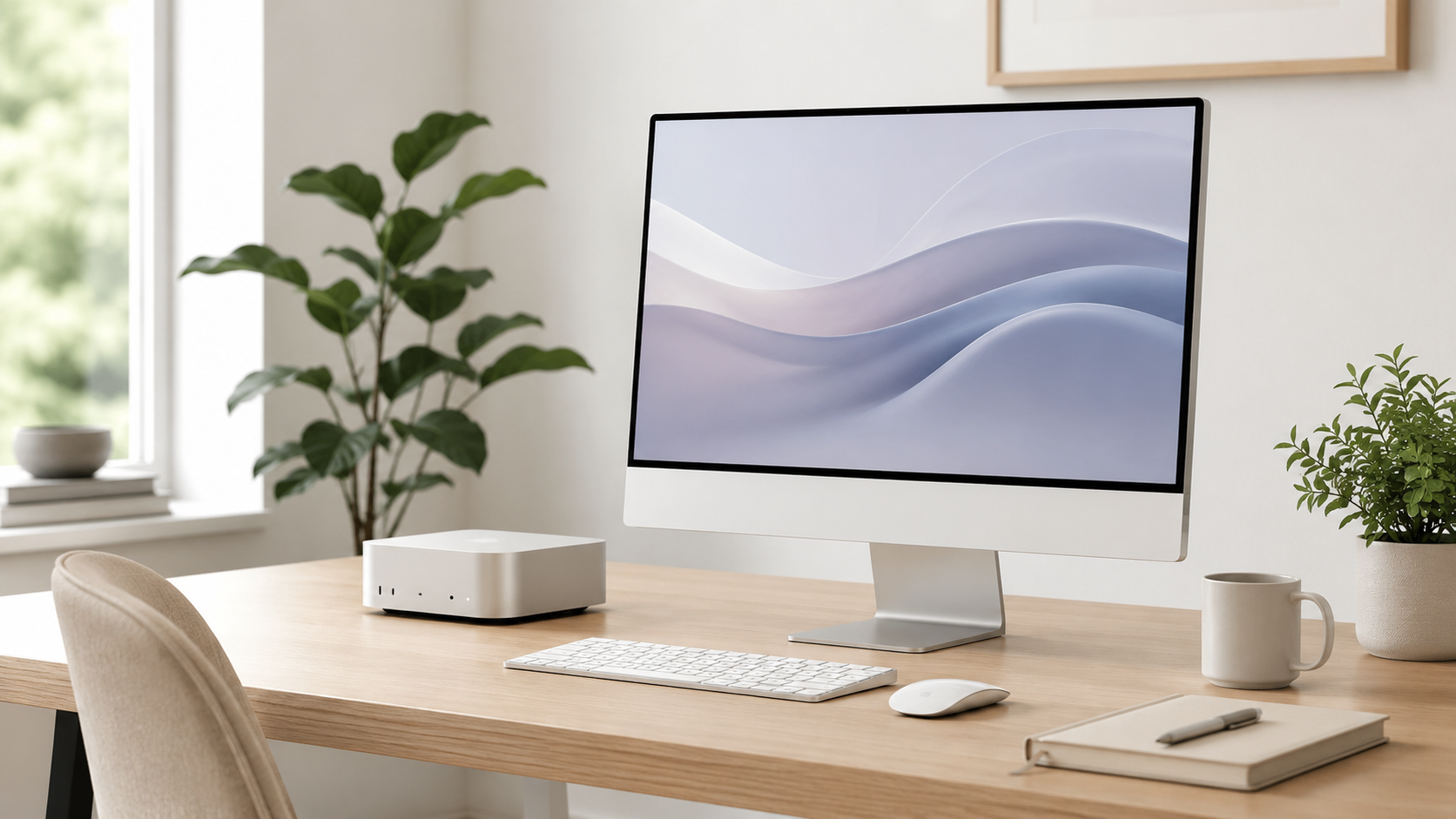
Best Mac Desktop for Home Office
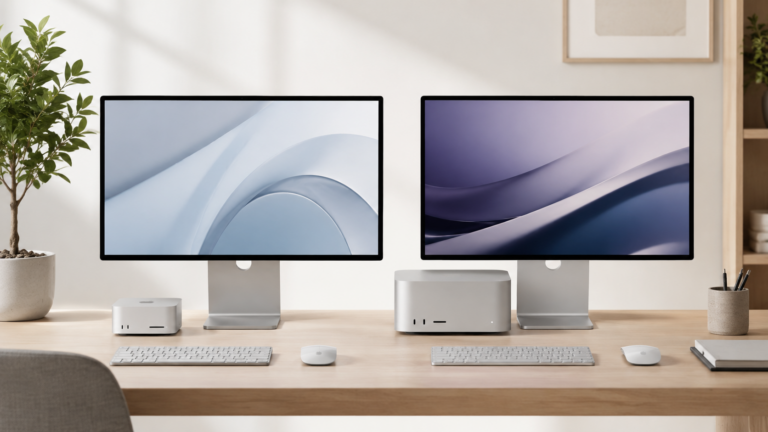
The best Mac desktop for a home office depends on how permanent your setup is. Some buyers want a clean all-in-one desk with an iMac. Others want the flexibility of a Mac mini with their own monitor, keyboard, mouse, storage, and accessories.
Most home office buyers should start with the Mac mini or iMac.
Mac mini is usually the best value if you already have or want to choose your own monitor. iMac is the cleaner all-in-one choice if you want the simplest setup. Mac Studio is only worth considering if your home office is also a serious creative, technical, or production workstation.
Mac mini
The best pick for most home offices because it is compact, powerful, flexible, and easy to build around.
iMac
Great if you want an all-in-one desktop with a built-in display, speakers, camera, keyboard, and mouse.
Mac Studio
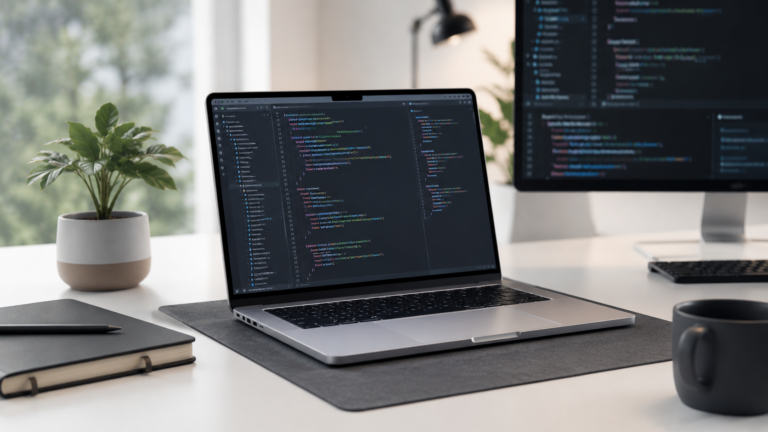
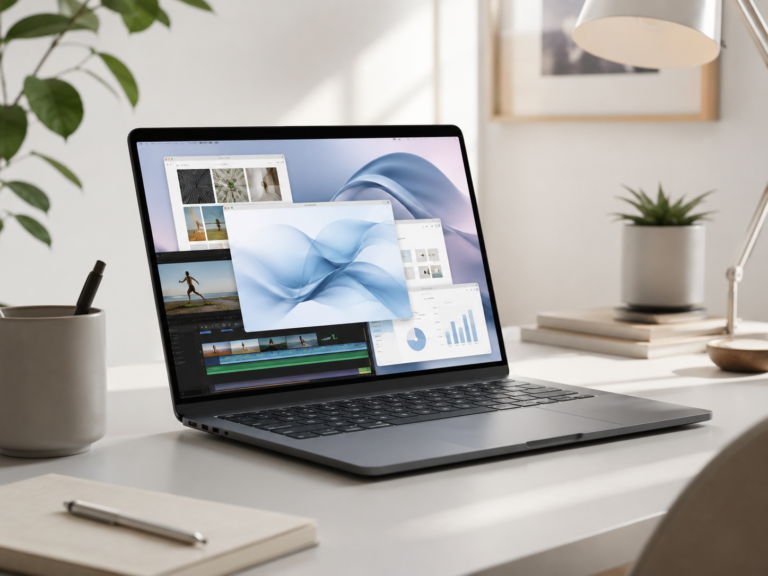
Better for professional creative, technical, production, editing, development, and large project workloads.
Mac mini plus monitor
Often the smartest home office setup if you want flexibility and do not need an all-in-one desktop.
Choose Mac mini for flexibility. Choose iMac for simplicity.
Mac mini is usually the better long-term value because you can choose and replace your own monitor and accessories. iMac is easier if you want one clean Apple desktop setup with fewer decisions. Mac Studio is for buyers whose home office is also a serious workstation.
What matters most for a home office Mac?
Desk space
A clean home office setup should fit your monitor, keyboard, mouse, storage, webcam, speakers, and any work accessories.
Display needs
The monitor may matter as much as the Mac itself, especially if you spend hours reading, writing, or multitasking.
Workload
Office apps and web tools do not need the same Mac as editing, production, development, or large creative projects.
Upgrade flexibility
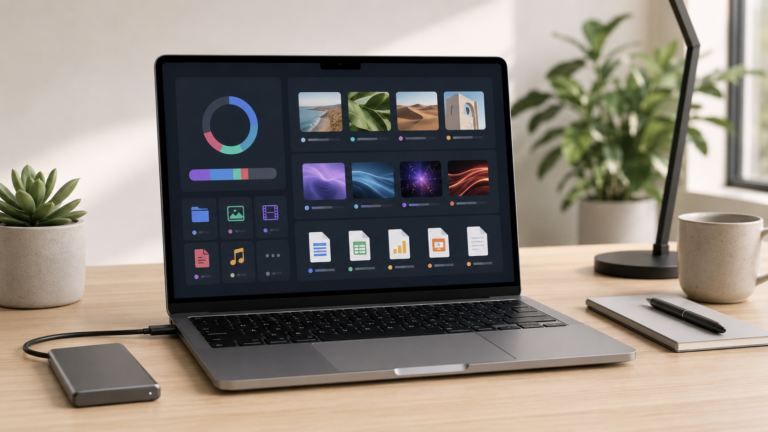
A Mac mini setup makes it easier to change monitors, keyboards, storage, docks, and accessories later.
Mac mini vs iMac vs Mac Studio for home office
Recommended desktop by home office type
Best value desk
Mac mini with a good monitor. Best for buyers who want flexibility, value, and a setup they can adjust later.
Cleanest setup
iMac. Best if you want one simple all-in-one Mac desktop without choosing separate accessories.
Work-from-home setup
Mac mini or iMac. Both work well for meetings, documents, dashboards, browser apps, and office productivity.
Pro home studio
Mac Studio. Best when your home office also handles serious editing, production, development, or creative work.
How much should you spend on the full setup?
For home office buyers, the computer is only part of the setup. A good monitor, comfortable keyboard, mouse or trackpad, desk, chair, speakers or headphones, webcam, storage, and backup plan can matter just as much as the Mac.
Do not overspend on a Mac Studio if your work is mostly office tasks. A well-built Mac mini or iMac setup will usually feel better than a more powerful Mac connected to a weak monitor or uncomfortable accessories.
Final recommendation
For most home offices, the Mac mini is the best overall value because it is compact, powerful, flexible, and easy to pair with the monitor and accessories you want.
Choose iMac if you want the simplest and cleanest all-in-one desktop. Choose Mac Studio only if your home office workload is genuinely professional or demanding enough to need that extra performance.
Keep comparing before you buy.
| Mac mini vs iMac | Mac Processor Guide |
| Mac Storage Guide | Best Mac Deals |
Affiliate disclosure: As an Amazon Associate I earn from qualifying purchases. Some buttons on this page may be affiliate links, meaning ShopMac may earn a commission at no extra cost to you. Recommendations are based on what makes sense for buyers, not the highest commission.