MacBook buying guide
Best MacBook for Students 2026
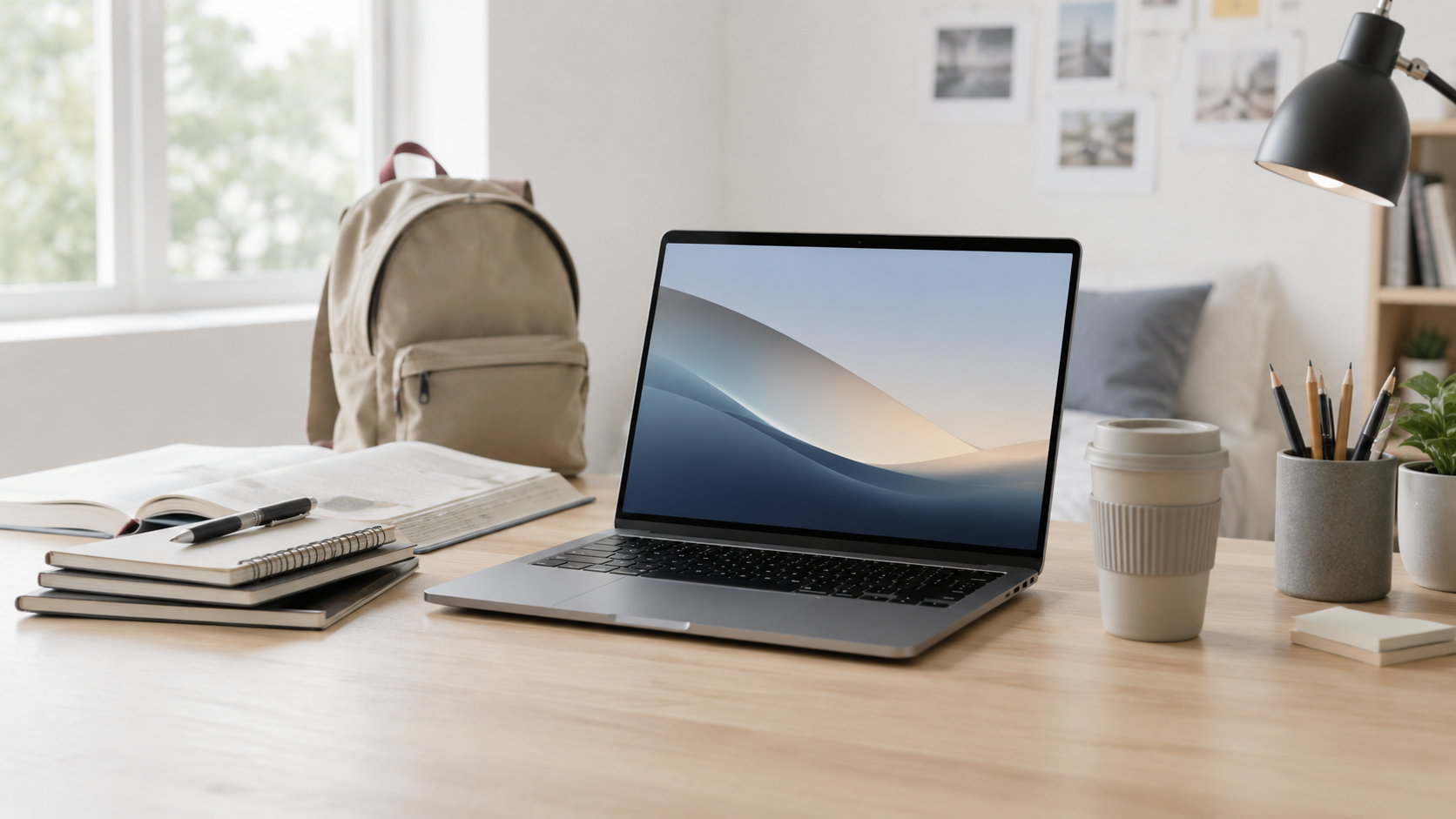
The best MacBook for students should be portable, reliable, long-lasting, and powerful enough for the work they actually do. For most students, that means starting with the MacBook Air before jumping to a MacBook Pro.
Quick answer
Most students should start with the MacBook Air.
For schoolwork, research, writing, notes, presentations, video calls, web apps, and everyday student life, the MacBook Air is usually the best value. A MacBook Pro makes more sense for students in heavier creative, engineering, computer science, media, or production-heavy programs.
Best overall
MacBook Air
The best starting point for most students who need a dependable laptop for class, research, writing, browsing, notes, and video calls.
Best larger screen
15-inch MacBook Air
A strong choice if you want more room for split-screen notes, documents, projects, and long study sessions without moving up to Pro.
Best for heavier majors
14-inch MacBook Pro
Better for students who regularly use demanding creative, coding, design, engineering, or media-production workflows.
Best portability
13-inch MacBook Air
The easiest MacBook to carry between classes, libraries, dorms, coffee shops, and home.
Simple decision
Choose MacBook Air unless your major gives you a clear reason to buy Pro.
A lot of students assume the safest choice is the most powerful laptop they can afford. In reality, most student work is writing, research, browsing, notes, presentations, online tools, and video calls. The MacBook Pro is worth considering when demanding apps are part of your normal weekly workload, not just because it sounds more future-proof.
What matters most for students?
Portability
A student laptop should be easy to carry all day. Smaller and lighter usually matters more than buying the most powerful model.
Battery life
Classes, study sessions, libraries, and travel are easier when the laptop can last without constantly needing an outlet.
Screen size
A 13-inch model is easier to carry. A 15-inch Air gives more room for notes, documents, and split-screen studying.
Memory
Extra memory can help if you keep many tabs, apps, documents, video calls, and study tools open at the same time.
Storage
Cloud storage helps, but local storage still matters for downloads, class files, photos, apps, and offline work.
Major requirements
Creative, engineering, coding, and media programs may need more performance than a general college workload.
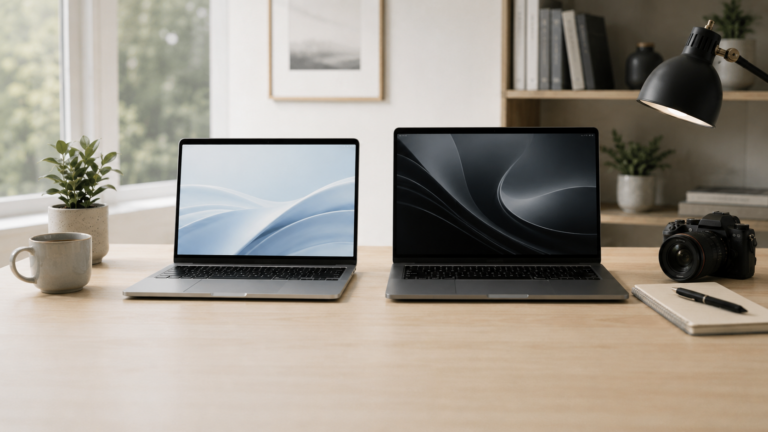
MacBook Air vs MacBook Pro for students
Recommended setup by student type
Most students
MacBook Air. Best for class notes, research, essays, presentations, video calls, browsing, and normal multitasking.
Students who want more space
15-inch MacBook Air. Better if you want a larger screen for documents, notes, research, and split-screen work.
Creative or technical majors
MacBook Pro. Better for regular video editing, coding, engineering, design, music production, or large projects.
Budget-focused student
MacBook Air. Prioritize the best-value configuration you can afford rather than paying for Pro-level performance you may not use.
How much should students upgrade?
The most common mistake is buying too much processor power and not thinking about the full student setup. For many students, enough memory, enough storage, a good backup plan, and useful accessories matter more than jumping straight to MacBook Pro.
If the MacBook will be used for several years, avoid buying only for the first semester. Think about the major, software requirements, storage needs, and whether the student will be carrying the laptop every day.
Final recommendation
For most students, the MacBook Air is the best MacBook to consider first. It gives the best mix of portability, battery life, everyday performance, and value.
Move up to a MacBook Pro when the student’s major or workload clearly benefits from more sustained performance, stronger display options, or additional pro-level headroom.
Related ShopMac guides
Keep comparing before you buy.
| MacBook Air vs Pro | Remote Work Guide |
| Small Business Guide | Best Mac Deals |
Affiliate disclosure: As an Amazon Associate I earn from qualifying purchases. Some buttons on this page may be affiliate links, meaning ShopMac may earn a commission at no extra cost to you. Recommendations are based on what makes sense for buyers, not the highest commission.