Desktop Mac comparison
Mac mini vs iMac: Which Desktop Mac Should You Buy?
Mac mini and iMac are both strong desktop Mac options, but they solve different problems. One gives you more setup flexibility, while the other gives you a cleaner all-in-one desktop.
Quick answer
Choose Mac mini for flexibility. Choose iMac for simplicity.
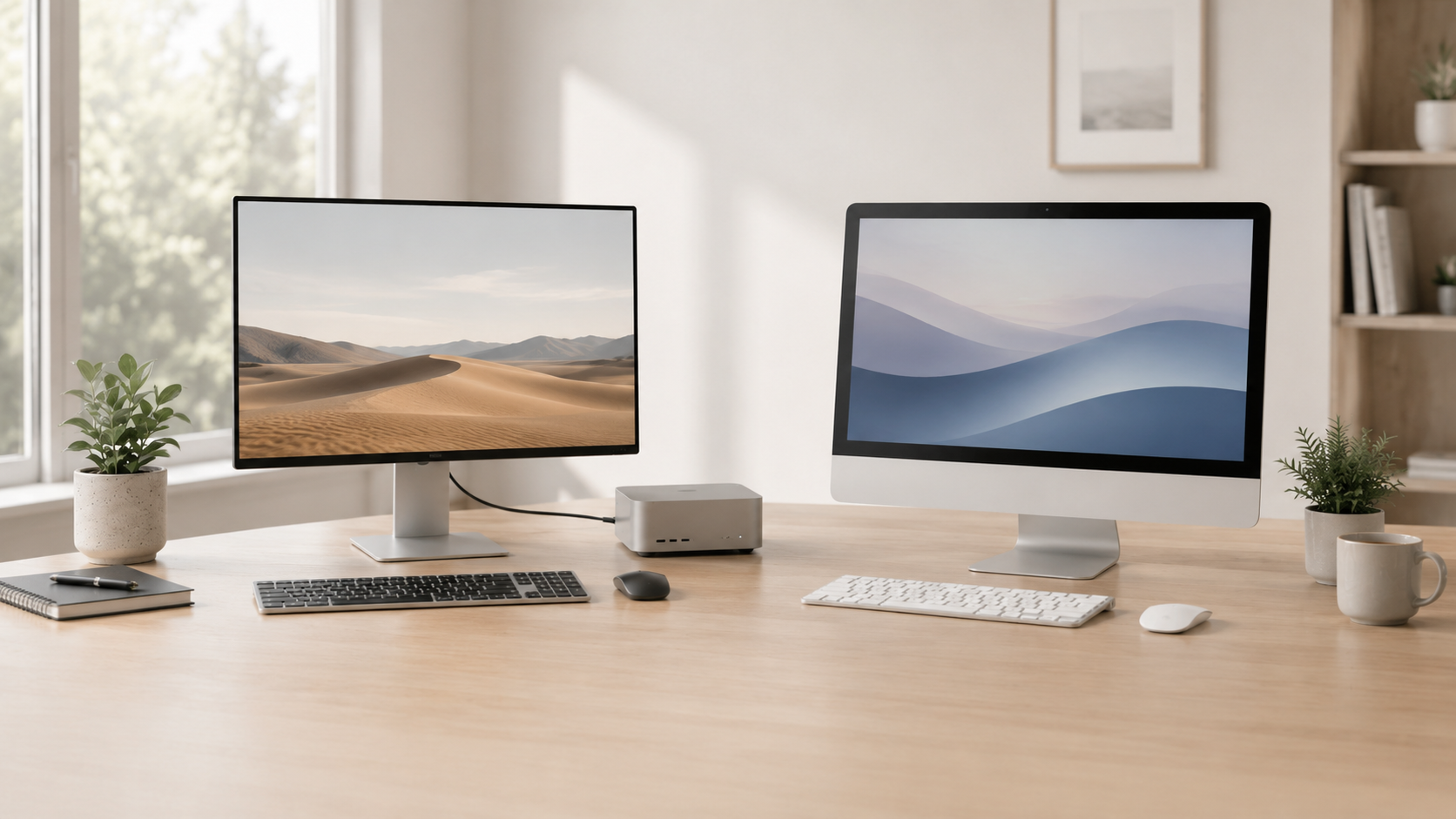
Mac mini is usually the better choice if you already have a monitor or want to build your own desk setup. iMac is better if you want one clean desktop computer with the display, speakers, camera, and Mac built into a single setup.
Best flexibility
Mac mini
The better choice if you want to pick your own monitor, keyboard, mouse, speakers, webcam, and desk setup.
Best simplicity
iMac
The better choice if you want an all-in-one desktop that is easy to place on a desk and start using.
Best value setup
Mac mini
Often the smarter buy if you already own a good display or want to upgrade accessories separately.
Best clean desktop
iMac
A strong fit for home offices, front desks, family computers, reception areas, and simple workspaces.
Simple decision
Choose Mac mini if you want control. Choose iMac if you want the cleanest setup.
The Mac mini gives you more freedom to choose the monitor, keyboard, mouse, speakers, webcam, and accessories. The iMac gives you a simpler all-in-one package that looks clean and avoids a lot of separate buying decisions.
What matters most for desktop Mac buyers?
Display
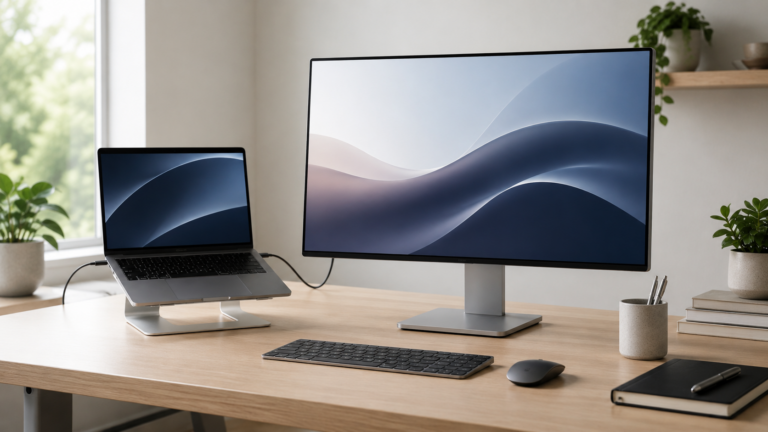
Mac mini lets you choose your own monitor. iMac includes a built-in display as part of the all-in-one design.
Desk space
iMac keeps the setup clean. Mac mini is compact, but the full setup depends on the accessories you choose.
Accessories
Mac mini requires more decisions. iMac reduces the number of separate pieces you need to buy.
Upgrade path
Mac mini makes it easier to change monitors, keyboards, mice, webcams, and other accessories later.
Business setup
Mac mini can fit existing workstations. iMac can be easier for simple front-desk or home-office setups.
Total cost
Compare the full setup cost, not just the computer. Mac mini may need a display and accessories.
Mac mini vs iMac
Recommended setup by desktop style
Flexible workstation
Mac mini. Best if you want to pick your own monitor, keyboard, mouse, webcam, speakers, and storage.
Clean all-in-one desk
iMac. Best if you want one polished desktop setup with fewer accessories to choose.
Small-business station
Mac mini or iMac. Choose Mac mini for existing workstations and iMac for simple customer-facing desks.
Shared home or office Mac
iMac. Best when several people need a simple desktop with display, camera, speakers, and computer in one place.
What should desktop buyers budget for?
With Mac mini, remember that the computer is only part of the purchase. You may still need a monitor, keyboard, mouse, speakers, webcam, hub, external storage, or backup drive.
With iMac, more of the basic setup is included in the all-in-one design. That can make it the easier choice even when Mac mini looks more flexible on paper.
Final recommendation
Choose Mac mini if you want the most flexible desktop Mac setup, already have a display, or want to choose your own monitor and accessories.
Choose iMac if you want a cleaner all-in-one desktop that is easy to set up, easy to use, and better suited for simple workspaces.
Related ShopMac guides
Keep comparing before you buy.
| Best Mac Deals | Buying Guides |
| Small Business Guide | Remote Work Guide |
Affiliate disclosure: As an Amazon Associate I earn from qualifying purchases. Some buttons on this page may be affiliate links, meaning ShopMac may earn a commission at no extra cost to you. Recommendations are based on what makes sense for buyers, not the highest commission.