Buying Guides

ShopMac Buying Guides

Mac buying guides that help you choose with confidence.

Compare MacBooks, desktop Macs, processors, memory, storage, and real buying situations before you spend more than you need to.

Start here

Find the right Mac for the way you actually work.

Use these guides to compare real buying decisions: school, business, remote work, creative work, desktop setups, processor choices, memory, and storage.

Start here

Featured buying guides

These are the main ShopMac guides for choosing the right MacBook or desktop Mac before you buy.
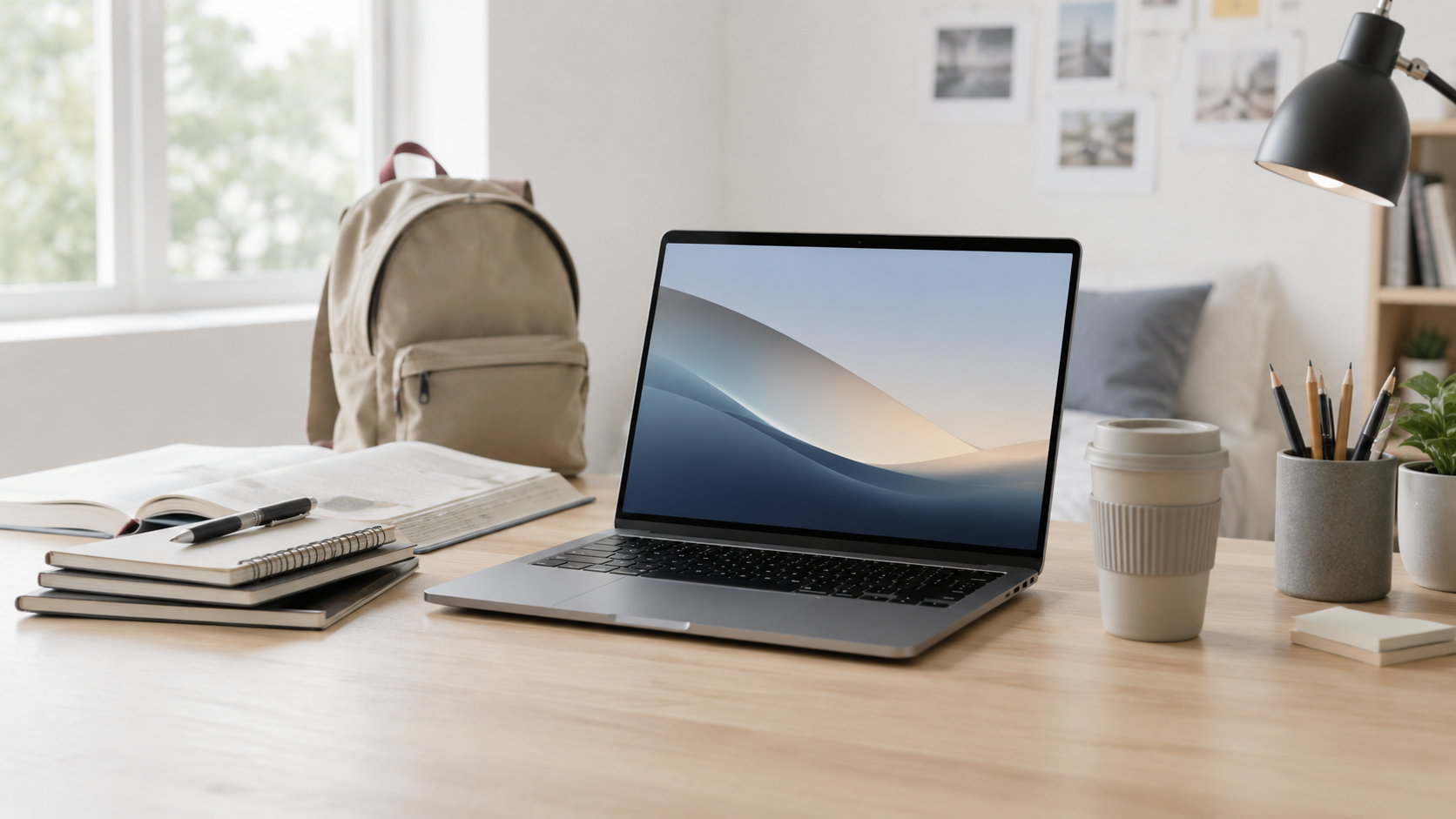

Best MacBook for Students

Best MacBook for Students

The best MacBook for most students is usually MacBook Air. Here’s how to choose between Air and Pro without overspending.


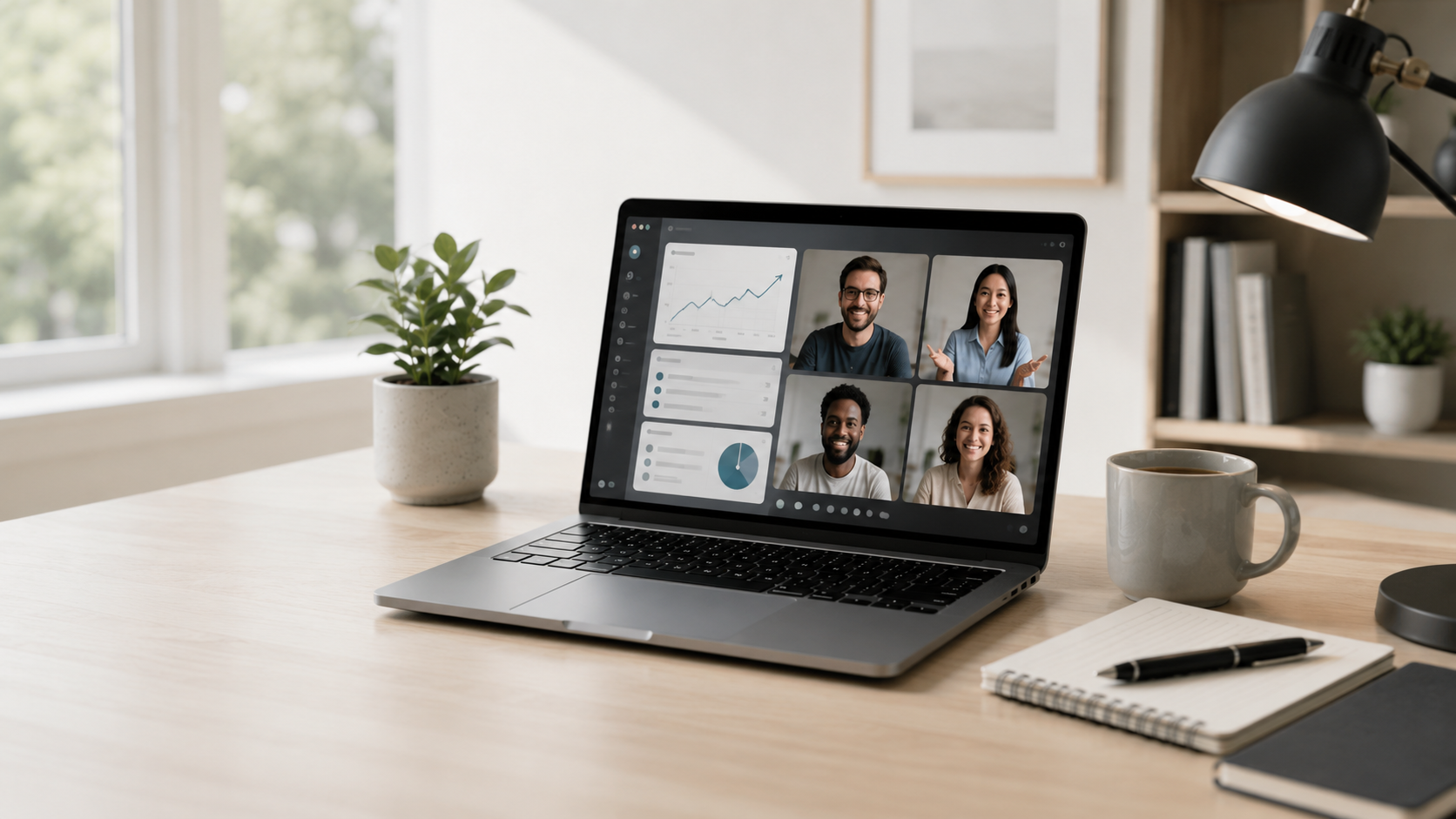
Best MacBook for Remote Work

Best MacBook for Remote Work

For most remote workers, the best MacBook is the one that balances battery life, portability, screen space, and everyday performance.


Best MacBook for Small Business

Best MacBook for Small Business

Choose the right MacBook for office work, travel, meetings, cloud tools, and daily business use without buying more than you need.


Best MacBook for Creators

Best MacBook for Creators

Choosing a MacBook for creators depends on whether your work is occasional, professional, or performance-heavy.


MacBook Air vs Pro

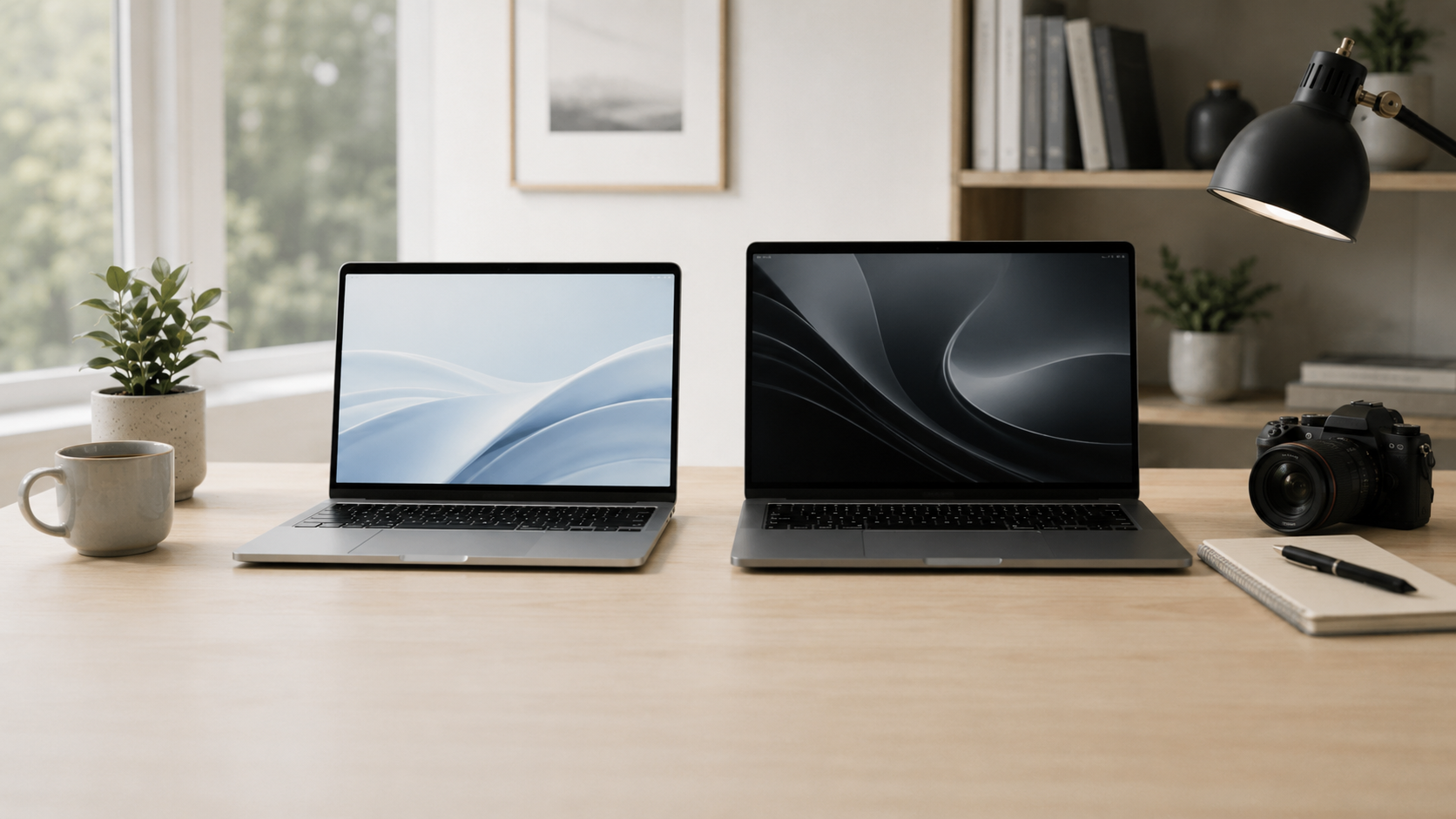
MacBook Air vs Pro

Compare MacBook Air and MacBook Pro by performance, portability, display, value, and who each one is actually best for.


Mac mini vs iMac

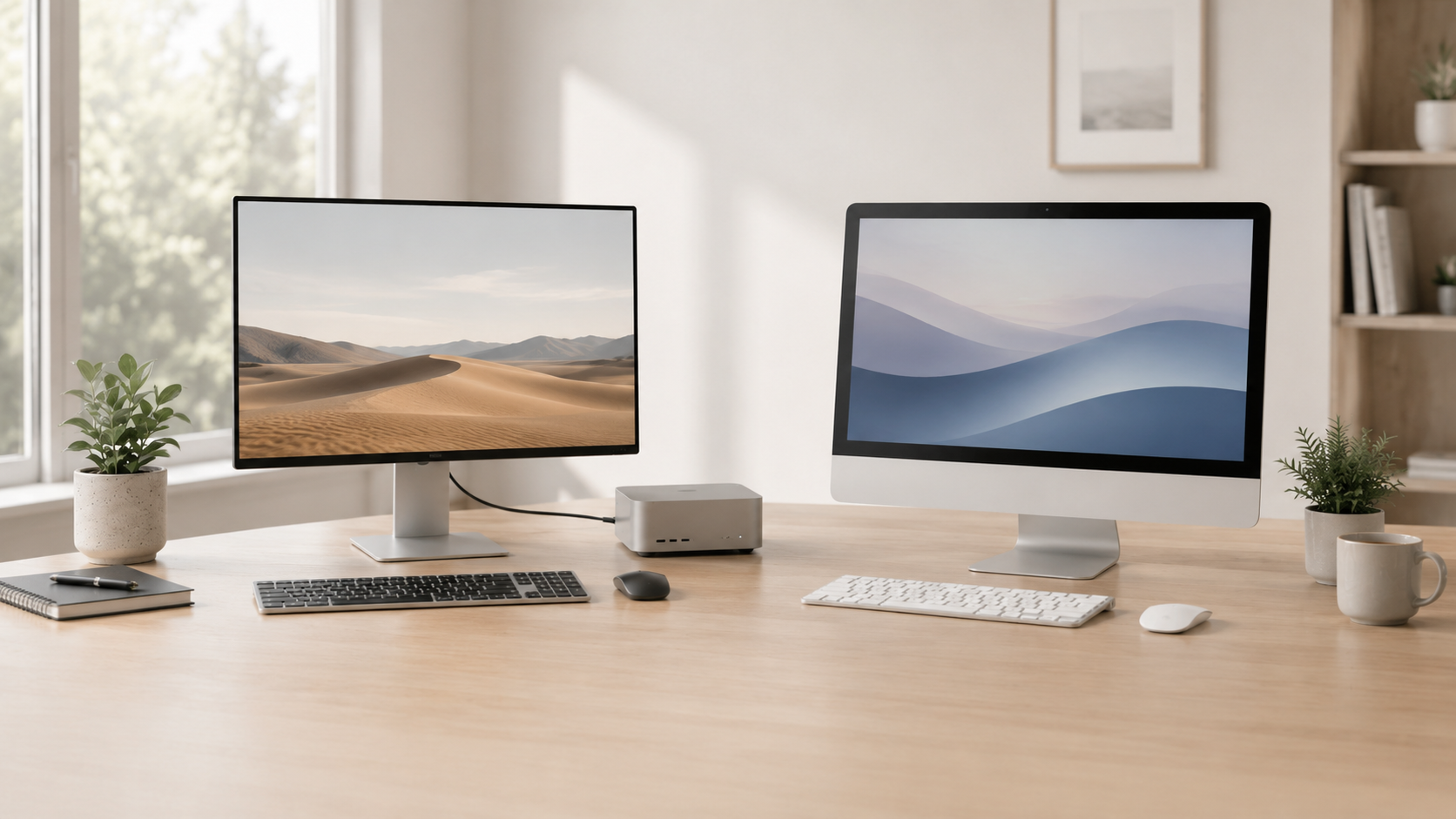
Mac mini vs iMac

Compare Mac mini and iMac by price, display, flexibility, accessories, and which desktop Mac fits your setup better.

MacBook workflows

Guides by the work you do

These guides help buyers choose a MacBook based on real workloads like video editing, photo editing, and programming.
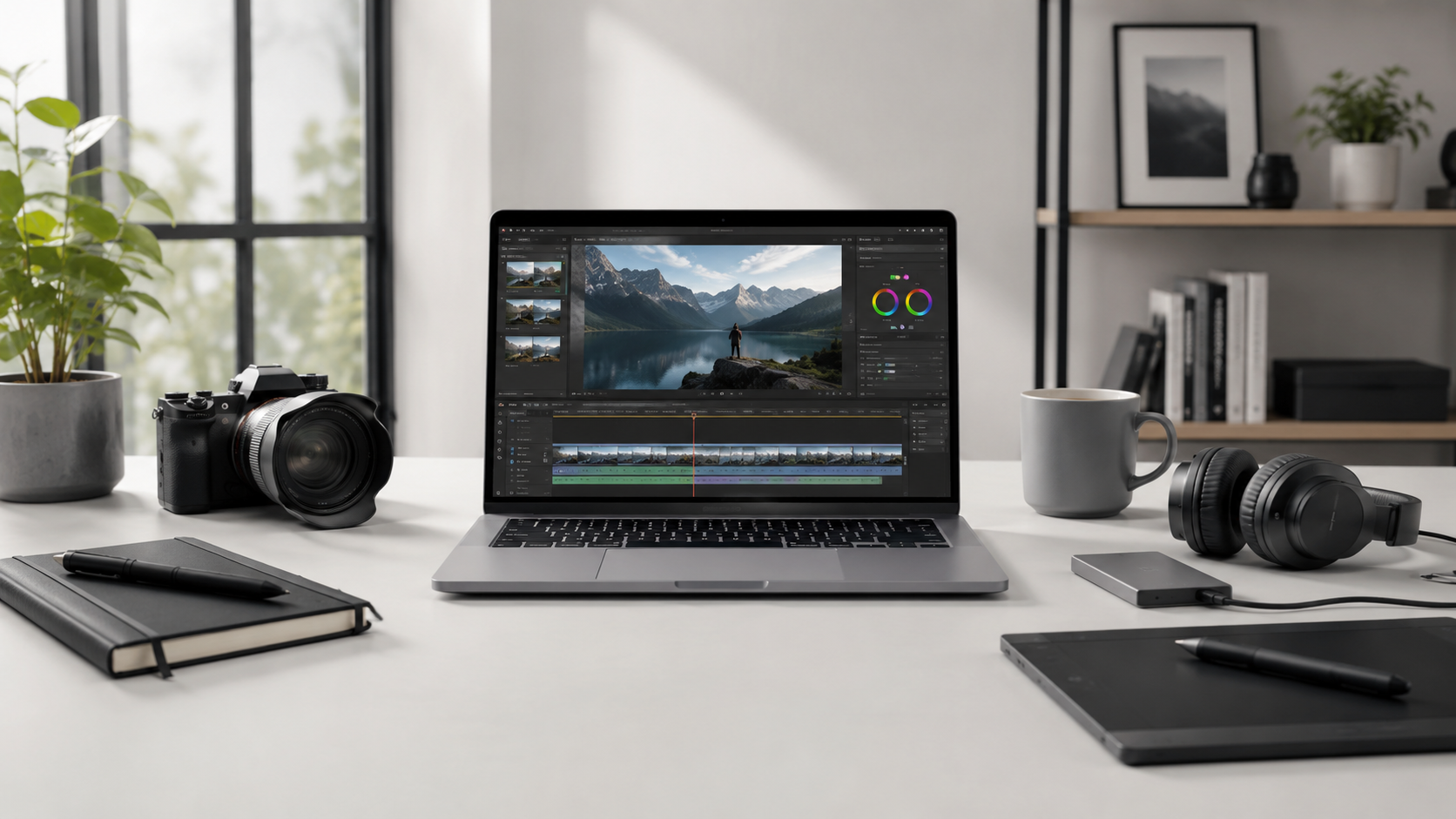
Best MacBook for Video Editing

Best MacBook for Video Editing

Choose a MacBook for video editing based on timeline size, exports, memory, storage, screen space, and sustained performance.


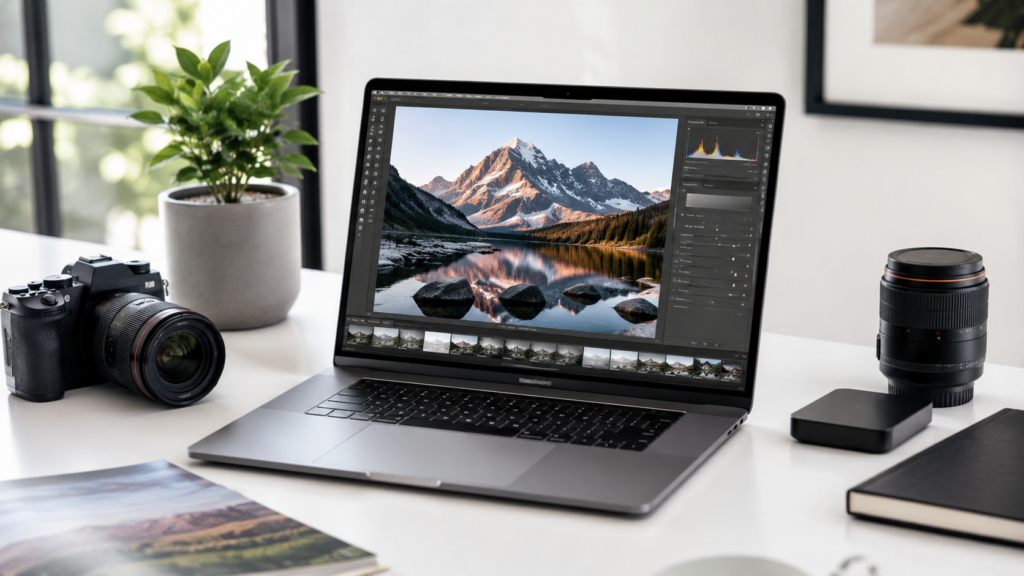
Best MacBook for Photo Editing

Best MacBook for Photo Editing

Photo editors should balance display quality, memory, storage, portability, and photo library size before choosing a MacBook.


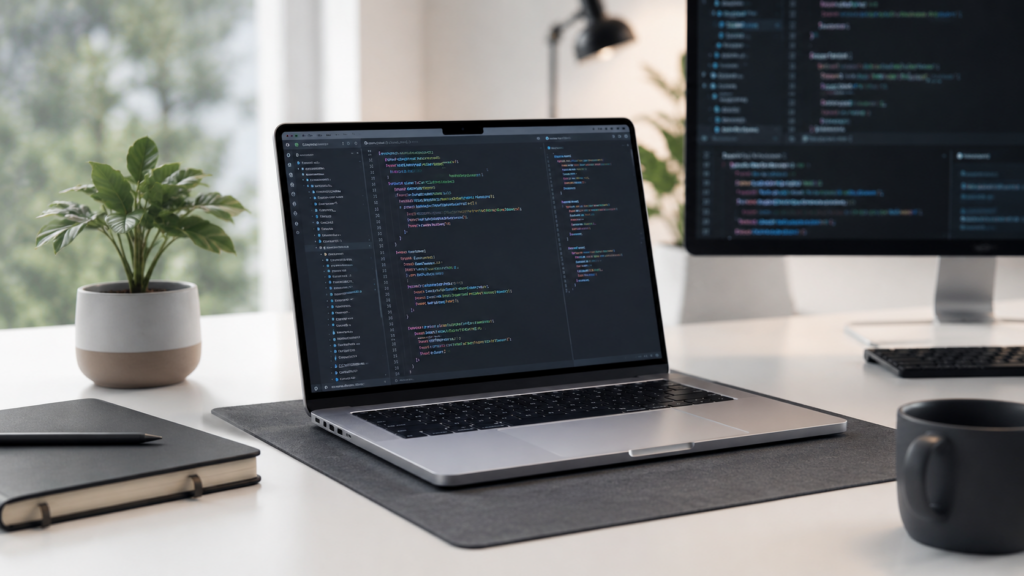
Best MacBook for Programming

Best MacBook for Programming

Pick a MacBook for programming based on tools, local development, screen space, memory, portability, and performance needs.

Mac configuration guides

Memory, storage, and processor help

These guides help buyers avoid overspending on specs while still getting enough performance for the long term.
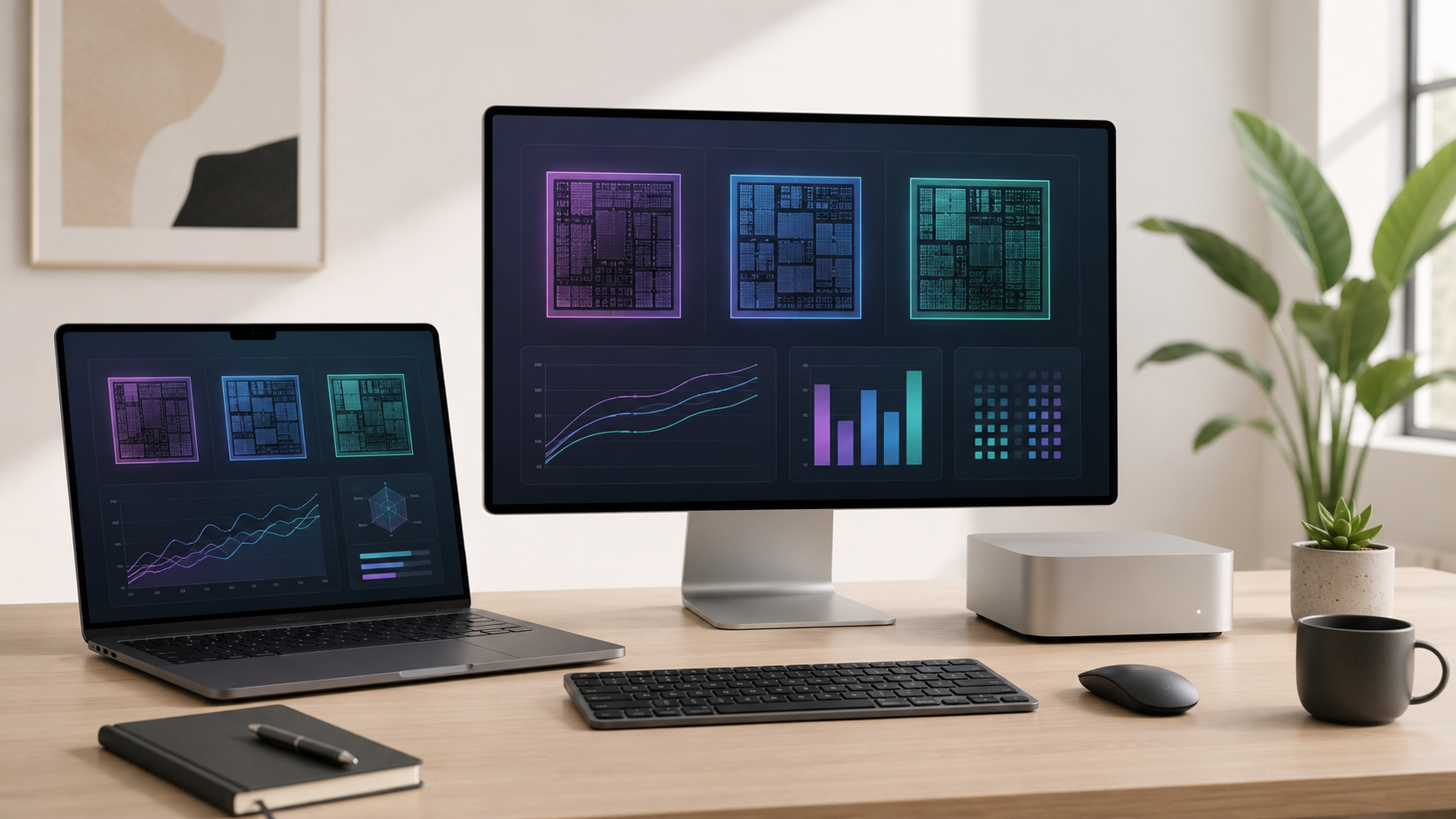
Which Apple Mac Processor Should You Buy?

Which Apple Mac Processor Should You Buy?

Apple’s processor lineup can be confusing. Learn when a standard chip is enough and when Pro or Max-level power makes sense.


How Much Memory Do You Need on a Mac?

How Much Memory Do You Need on a Mac?

Mac memory matters most when you keep many apps, browser tabs, creative tools, or development workflows open at once.


How Much Storage Do You Need on a Mac?

How Much Storage Do You Need on a Mac?

Mac storage depends on how many local files, photos, videos, apps, downloads, and project folders you keep on the machine.

All ShopMac Buying Guides

Want to see every guide?

This page highlights the main ShopMac buying guides, but the full archive includes every published guide, including newer posts that may not be featured here yet.

Browse All Buying Guides

Buying advice

The best Mac is not always the most expensive one.

ShopMac focuses on matching the Mac to the buyer: performance, portability, display size, memory, storage, desk setup, and long-term value.