Best MacBook for Photo Editing
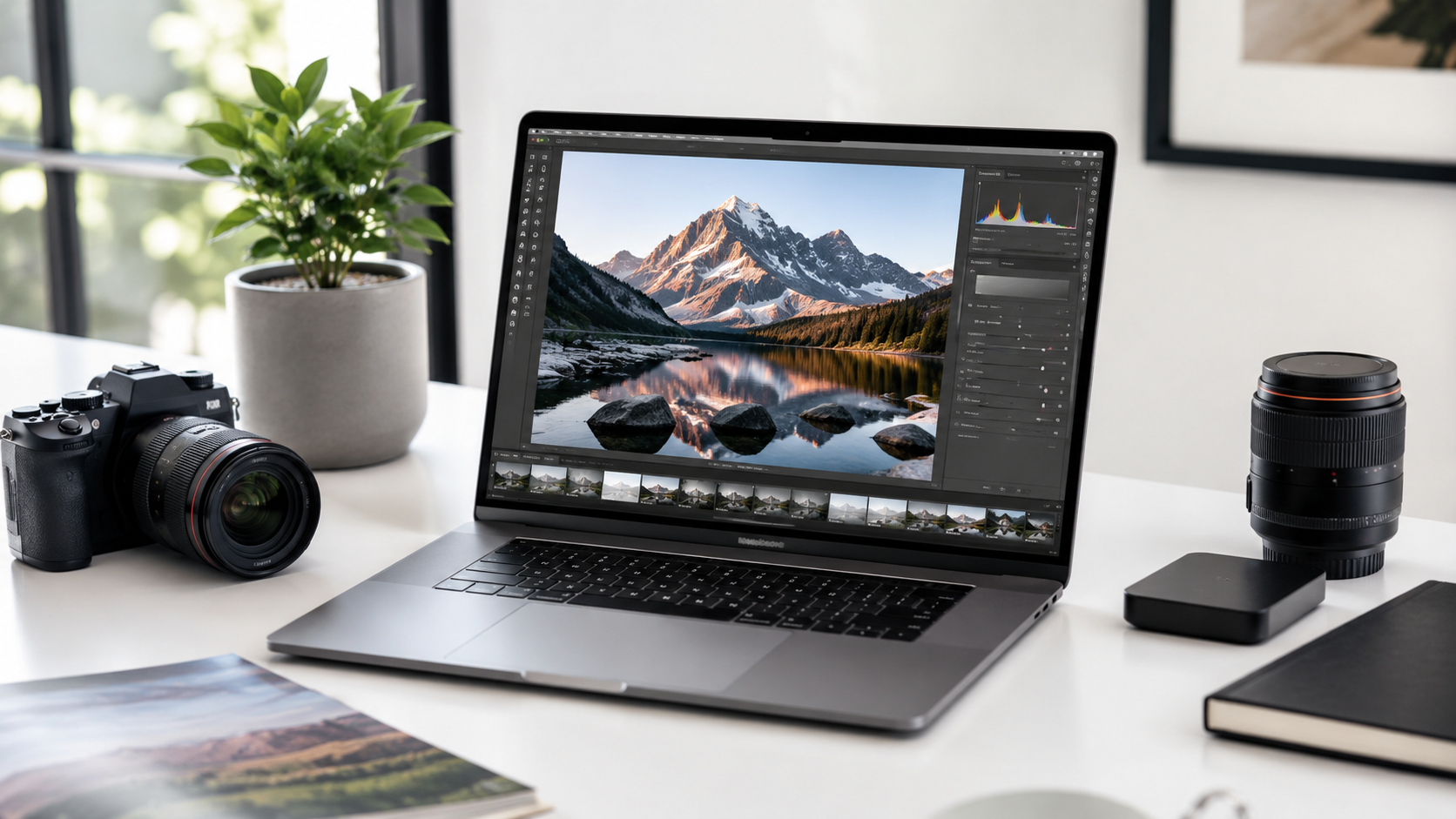
The best MacBook for photo editing depends on how serious your photo work is. A casual iPhone photo editor, hobby photographer, wedding photographer, designer, and full-time creative professional do not all need the same laptop. The right MacBook should give you enough display quality, memory, storage, and performance without pushing you into upgrades you will not use.
Most photographers should start with a MacBook Pro if photo work is serious.
MacBook Air can work well for casual photo editing, light Lightroom use, social media content, and basic Photoshop work. But if you edit large RAW libraries, run multiple creative apps, connect external drives, or rely on your MacBook for paid photography work, the MacBook Pro is usually the safer long-term choice.
14-inch MacBook Pro
The easiest recommendation for photographers who want strong performance, a better display, useful ports, and long-term headroom.
16-inch MacBook Pro
Best if you edit for long sessions, compare images side by side, work on large catalogs, or want the most comfortable laptop screen.
MacBook Air
A strong pick for casual editors, students, travel photos, social content, and lighter Lightroom or Photos app work.
15-inch MacBook Air
A good middle ground if you want a larger editing space without moving up to the MacBook Pro line.
Choose MacBook Pro if photo editing is part of your work.
The MacBook Air is good enough for light editing, but photo work can become demanding quickly. Large RAW files, layered Photoshop documents, external drives, catalogs, exports, and multitasking all make the MacBook Pro easier to recommend for serious photographers.
What matters most for photo editing?
Display quality
A better display helps with judging exposure, color, contrast, sharpness, and fine details during editing.
Memory
Photo apps, RAW files, browser tabs, plug-ins, and background tools can all use memory at the same time.
Storage
Photo libraries grow fast. RAW files, exports, catalogs, backups, and client projects can fill a Mac quickly.
Ports and workflow
Photographers often use SD cards, external drives, monitors, docks, cameras, and backup storage.
MacBook Air vs MacBook Pro for photo editing
Recommended setup by photographer type
Casual photo editor
MacBook Air. Best for light edits, family photos, travel albums, social media posts, and simple creative work.
Hobby photographer
15-inch MacBook Air or 14-inch MacBook Pro. Choose Pro if you edit RAW files often or keep large libraries.
Professional photographer
14-inch MacBook Pro. Better for Lightroom catalogs, Photoshop, external drives, exports, and client workflows.
Studio editor
16-inch MacBook Pro. Best when screen size, sustained performance, and a more comfortable editing workspace matter.
How much should photographers upgrade?
For photo editing, memory and storage usually matter more than chasing the highest processor tier. A stronger chip helps, but large catalogs, RAW files, Photoshop layers, previews, exports, and multitasking can make memory and storage feel just as important.
If photography is casual, do not overspend. If photography is paid work or a major hobby, avoid the bare minimum configuration. Buy enough MacBook to handle your active projects, then use external storage and a real backup plan for older libraries and archives.
Final recommendation
For most serious photo editors, the 14-inch MacBook Pro is the best place to start. It balances performance, display quality, portability, ports, and long-term headroom better than the MacBook Air.
Choose the MacBook Air if your editing is light, casual, or budget-focused. Choose the 16-inch MacBook Pro if you want the most comfortable laptop screen for long editing sessions.
Keep comparing before you buy.
| Mac Processor Guide | Mac Memory Guide |
| Mac Storage Guide | Best Mac Deals |
Affiliate disclosure: As an Amazon Associate I earn from qualifying purchases. Some buttons on this page may be affiliate links, meaning ShopMac may earn a commission at no extra cost to you. Recommendations are based on what makes sense for buyers, not the highest commission.