MacBook buying guide
Best MacBook for Remote Work
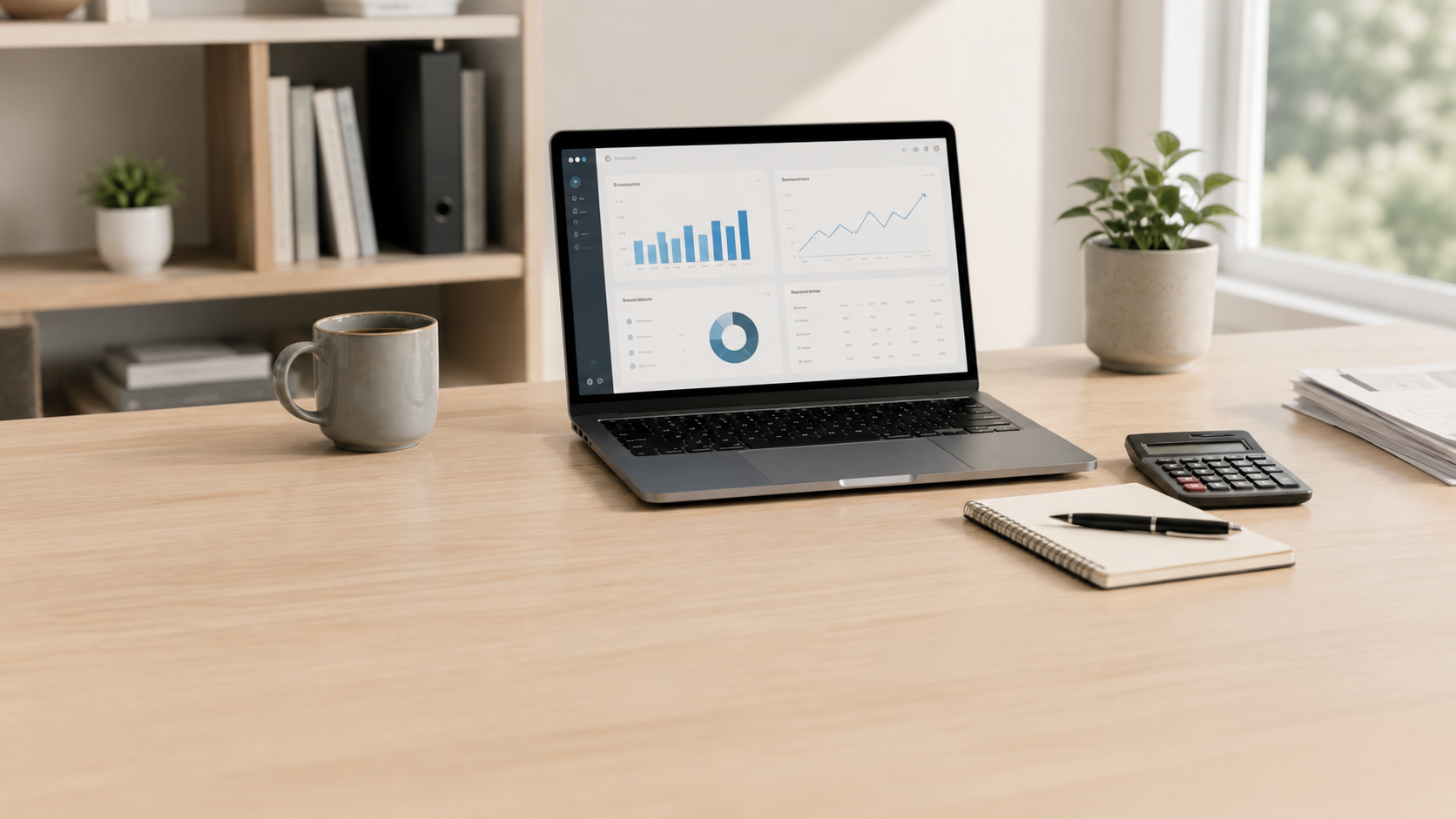
For most remote workers, the right MacBook is not the most expensive one. It is the one that gives you enough performance, battery life, screen space, portability, and reliability for the work you actually do every day.
Quick answer
Most remote workers should start with the MacBook Air.
The MacBook Air is the best starting point for remote work because it is light, quiet, fast enough for everyday productivity, and usually a better value than jumping straight to a MacBook Pro. Choose a MacBook Pro only if your remote work includes heavier creative apps, development workloads, large project files, sustained performance needs, or multiple demanding apps running for long stretches.
Best overall
MacBook Air
The easiest recommendation for most remote workers who spend the day in email, browser tabs, documents, video calls, spreadsheets, Slack, Teams, Zoom, and cloud apps.
Best larger screen
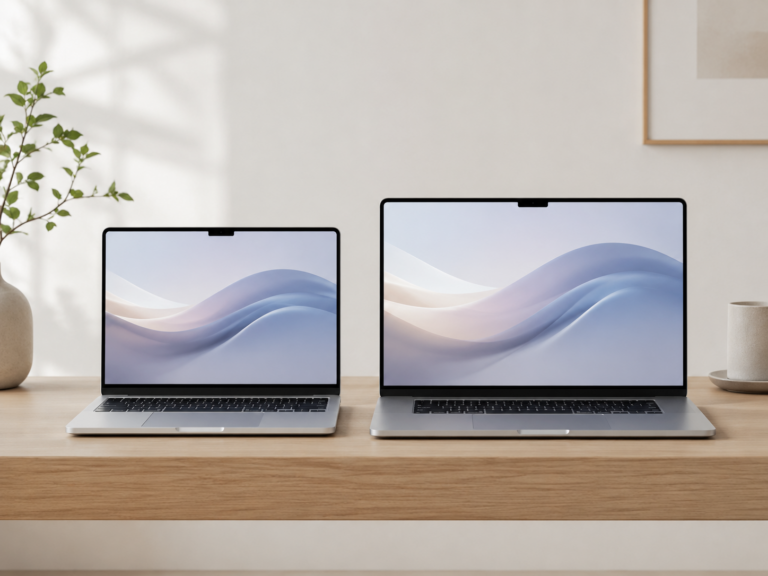
15-inch MacBook Air
A strong choice if you want more room for split-screen work, dashboards, documents, and video calls without moving up to the heavier Pro line.
Best for heavier work
14-inch MacBook Pro
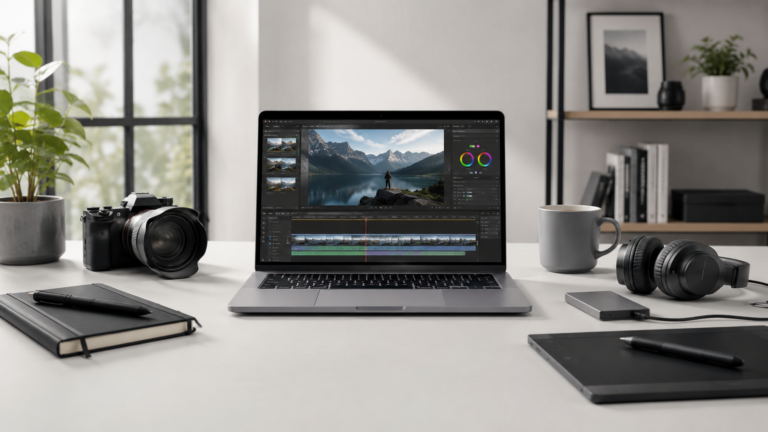
Better for remote workers who regularly edit media, build software, work with large datasets, use pro apps, or need stronger sustained performance.
Best for travel
13-inch MacBook Air
The most practical pick if you move between home, coffee shops, airports, coworking spaces, offices, and client meetings.
Simple decision
Choose MacBook Air unless your work gives you a clear reason to buy Pro.
Remote work can sound demanding, but a lot of it is browser-based. Video meetings, email, documents, project management tools, and cloud apps do not automatically require a MacBook Pro. The Pro makes more sense when your workload stays heavy for long stretches or when time saved by extra performance matters more than the added cost and weight.
What matters most for remote work?
Battery life
A remote-work MacBook should last through meetings, writing, browsing, and travel without forcing you to hunt for an outlet all day.
Screen size
A 13-inch model is better for portability. A 15-inch Air or larger Pro is better if you work with multiple windows open.
Memory
If your work involves many browser tabs, video calls, spreadsheets, messaging apps, and background tools, extra memory can matter more than buying the most powerful chip.
Storage
Cloud storage helps, but local storage still matters for downloads, offline files, photos, project folders, and apps.
External monitors
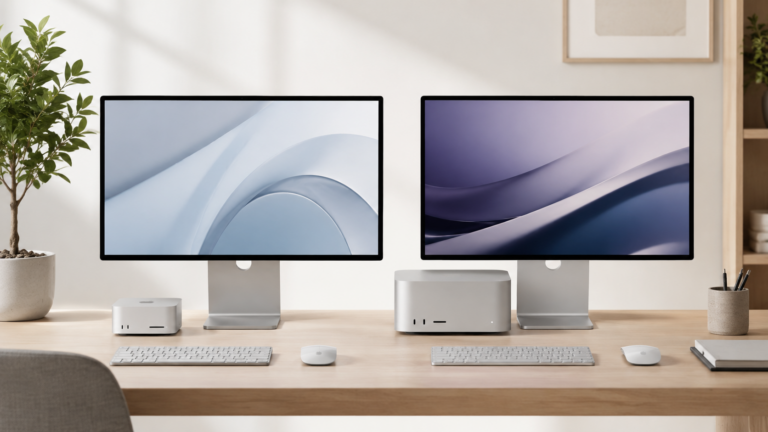
If your desk setup depends on one or more external displays, check monitor support before buying. This can be more important than raw speed.
Ports and accessories
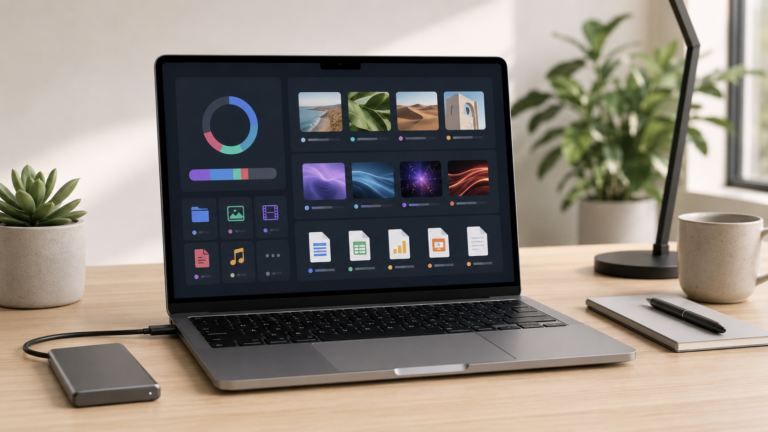
Remote workers often need a webcam, headset, external keyboard, monitor, dock, charger, hub, and backup storage. Budget for the setup, not just the MacBook.
MacBook Air vs MacBook Pro for remote work
Recommended setup by remote-work style
Everyday remote worker
MacBook Air. Best for email, video meetings, web apps, documents, spreadsheets, project management tools, and normal multitasking.
Hybrid worker with a desk setup
15-inch MacBook Air or 14-inch MacBook Pro. Choose based on whether screen size or sustained performance matters more.
Remote creator or developer
MacBook Pro. Better when your work includes editing, coding, design files, local development tools, or heavier multitasking.
Travel-focused remote worker
13-inch MacBook Air. Best if you move between home, offices, airports, coworking spaces, and client meetings.
How much should remote workers upgrade?
The most common mistake is spending too much on processor power while ignoring memory, storage, and the rest of the desk setup. A better remote-work setup may be a practical MacBook plus a good monitor, webcam, keyboard, mouse, dock, and backup plan.
For many remote workers, memory and storage upgrades are easier to feel every day than jumping to the most expensive MacBook Pro. If your work is mostly browser-based, do not assume the Pro is automatically the better buy.
Final recommendation
For most remote workers, the MacBook Air is the best place to start. It is portable, quiet, capable, and usually gives you the best balance of performance and value for everyday work.
Move up to the MacBook Pro when your work is clearly heavier: video editing, development, large creative projects, demanding multitasking, external display needs, or sustained workloads where extra performance saves meaningful time.
Related ShopMac guides
Keep comparing before you buy.
| MacBook Air vs Pro | Small Business Guide |
| Student Guide | Best Mac Deals |
Affiliate disclosure: As an Amazon Associate I earn from qualifying purchases. Some buttons on this page may be affiliate links, meaning ShopMac may earn a commission at no extra cost to you. Recommendations are based on what makes sense for buyers, not the highest commission.