How Much Memory Do You Need on a Mac?
Mac memory can be one of the most confusing upgrades because Apple calls it unified memory, not traditional RAM. The right amount depends on how many apps you keep open, how heavy your work is, and how long you plan to keep the Mac.
Most Mac buyers should choose enough memory for the next few years, not just today.
Light users can usually stay closer to the base memory option. Most everyday buyers are safer with a middle memory upgrade if they plan to keep the Mac for years. Creators, developers, heavy multitaskers, and pro users should treat memory as one of the most important upgrades because it affects how smoothly the Mac handles large apps, big files, and long work sessions.
Base memory
Works for web browsing, email, documents, streaming, school work, video calls, and light everyday use.
Middle memory upgrade
The safer choice for buyers who keep lots of tabs, apps, documents, messages, meetings, and background tools open.
Higher memory
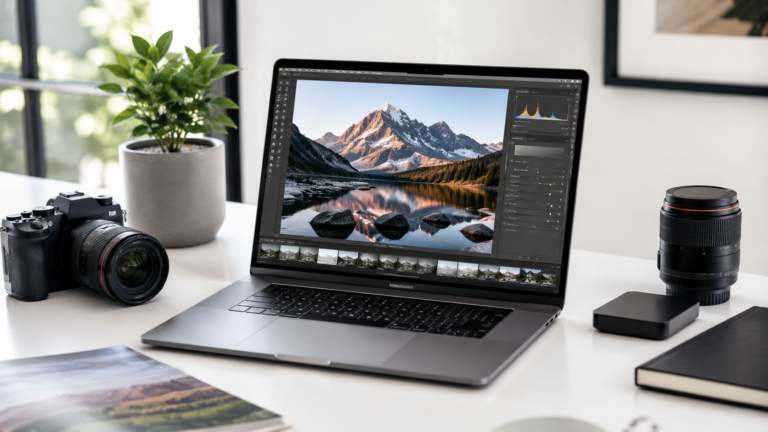
Better for photo editing, video timelines, design files, music sessions, large projects, and creative multitasking.
Pro-level memory
Best for developers, 3D work, virtual machines, huge media projects, advanced production, and workstation-style tasks.
Upgrade memory before chasing a chip you do not need.
For many buyers, extra memory will feel more useful than jumping to a higher processor tier. If your Mac slows down because too many apps, tabs, files, and background tools are open, more memory is often the upgrade that makes the Mac easier to live with every day.
What uses memory on a Mac?
Browser tabs and web apps
Lots of tabs, dashboards, email, cloud apps, and web tools can use more memory than people expect.
Creative apps
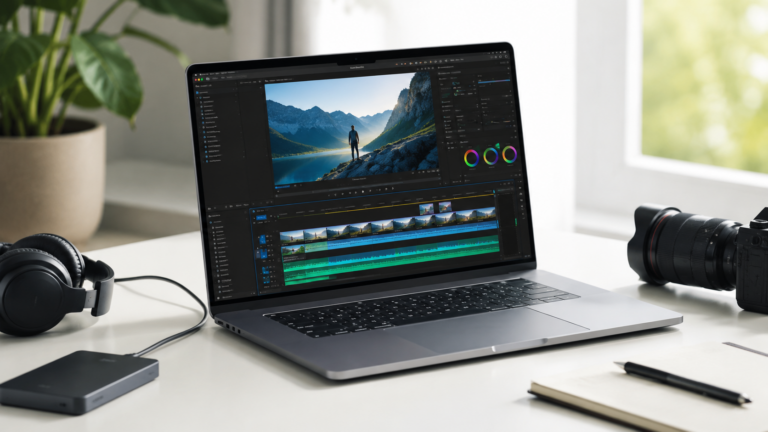
Photo, video, design, audio, and animation apps benefit from more breathing room, especially with large files.
Background tools
Messages, sync apps, password managers, cloud drives, antivirus tools, launchers, and utilities all add up.
Development work
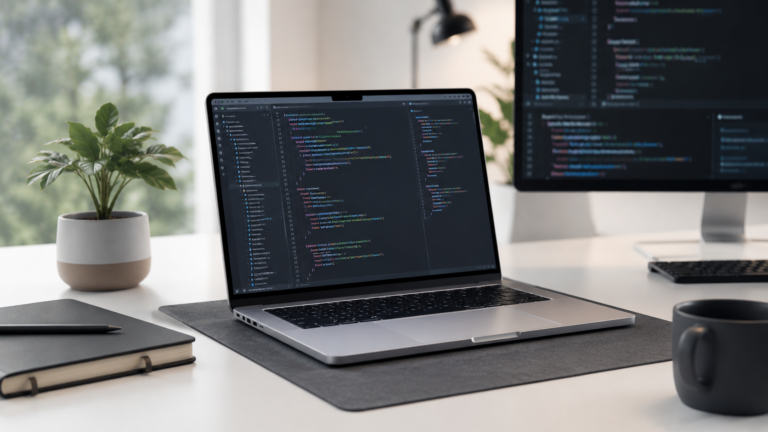
Local servers, code editors, containers, virtual machines, emulators, databases, and build tools can need much more memory.
Base memory vs upgraded memory
Recommended memory by buyer type
Student or casual user
Base to middle memory can work well for school work, web apps, streaming, documents, and normal daily use.
Remote worker
Middle memory is the safer pick for lots of tabs, meetings, messaging apps, documents, dashboards, and multitasking.
Creator or photographer
Higher memory helps with photo libraries, design apps, video projects, audio sessions, and creative multitasking.
Developer or pro user
Upgrade more aggressively if you use local development tools, virtual machines, containers, large projects, or pro apps.
How much should you upgrade?
Memory upgrades are most useful when your Mac needs to handle many things at once. If your typical day includes browser tabs, email, messaging, video calls, documents, cloud apps, and a few background utilities, a middle memory option can make the Mac feel smoother over time.
For heavier work, memory can matter as much as the processor. If you create, code, edit, produce, build, render, or manage large files, buying more memory up front is usually better than trying to squeeze a pro workflow into the cheapest configuration.
Final recommendation
Most light users can stay closer to the base memory option, especially if they use the Mac for email, web apps, documents, school, video calls, and normal personal use.
Most buyers keeping a Mac for several years should consider a middle memory upgrade. Creators, developers, heavy multitaskers, and pro users should upgrade more aggressively because memory is one of the hardest limitations to fix later.
Keep comparing before you buy.
| Mac Processor Guide | Mac Storage Guide |
| Creator Guide | Best Mac Deals |
Affiliate disclosure: As an Amazon Associate I earn from qualifying purchases. Some buttons on this page may be affiliate links, meaning ShopMac may earn a commission at no extra cost to you. Recommendations are based on what makes sense for buyers, not the highest commission.