Best Accessories for MacBook
The right accessories can make a MacBook much more useful. A monitor, external storage, dock, charger, keyboard, mouse, case, and backup drive can turn a portable laptop into a serious school, work, creative, or home office setup.
Most MacBook users should start with storage, a charger, and a better desk setup.
The best accessories depend on how you use the MacBook. Travelers need chargers and protection. Remote workers benefit from a monitor and dock. Creators need storage and backup. Students may only need a sleeve, charger, and simple external drive.
External storage
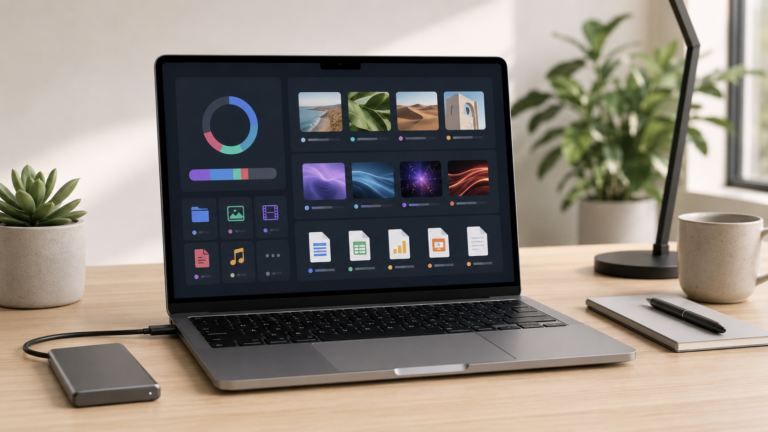
Useful for backups, large files, photos, videos, school projects, and keeping the MacBook from filling up.
Monitor
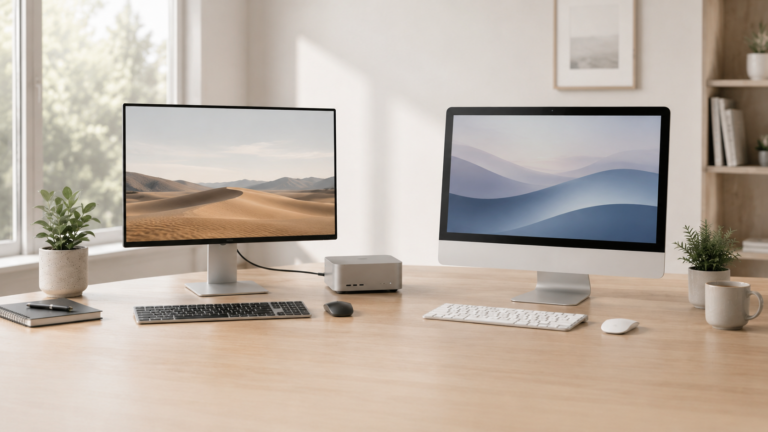
Makes the MacBook feel like a full desktop and improves comfort for long work sessions.
USB-C dock or hub
Helps connect monitors, drives, SD cards, keyboards, mice, webcams, and other accessories.
Extra charger
Makes it easier to keep one charger at a desk and another in a bag, office, or travel kit.
Buy accessories that solve real problems in your setup.
It is easy to waste money on accessories that look useful but do not change your day. Start with the problems you actually have: not enough ports, not enough storage, an uncomfortable desk, slow file transfers, weak protection, or poor backup habits.
What accessories matter most?
Storage and backup
External drives are useful for photos, videos, archives, Time Machine backups, and large project files.
Desk comfort
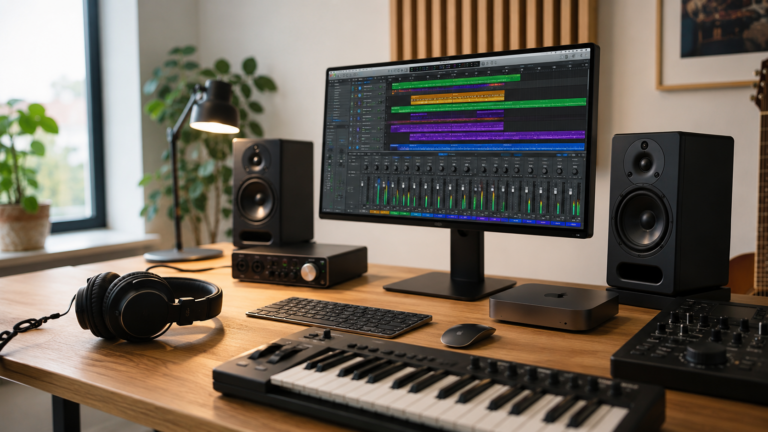
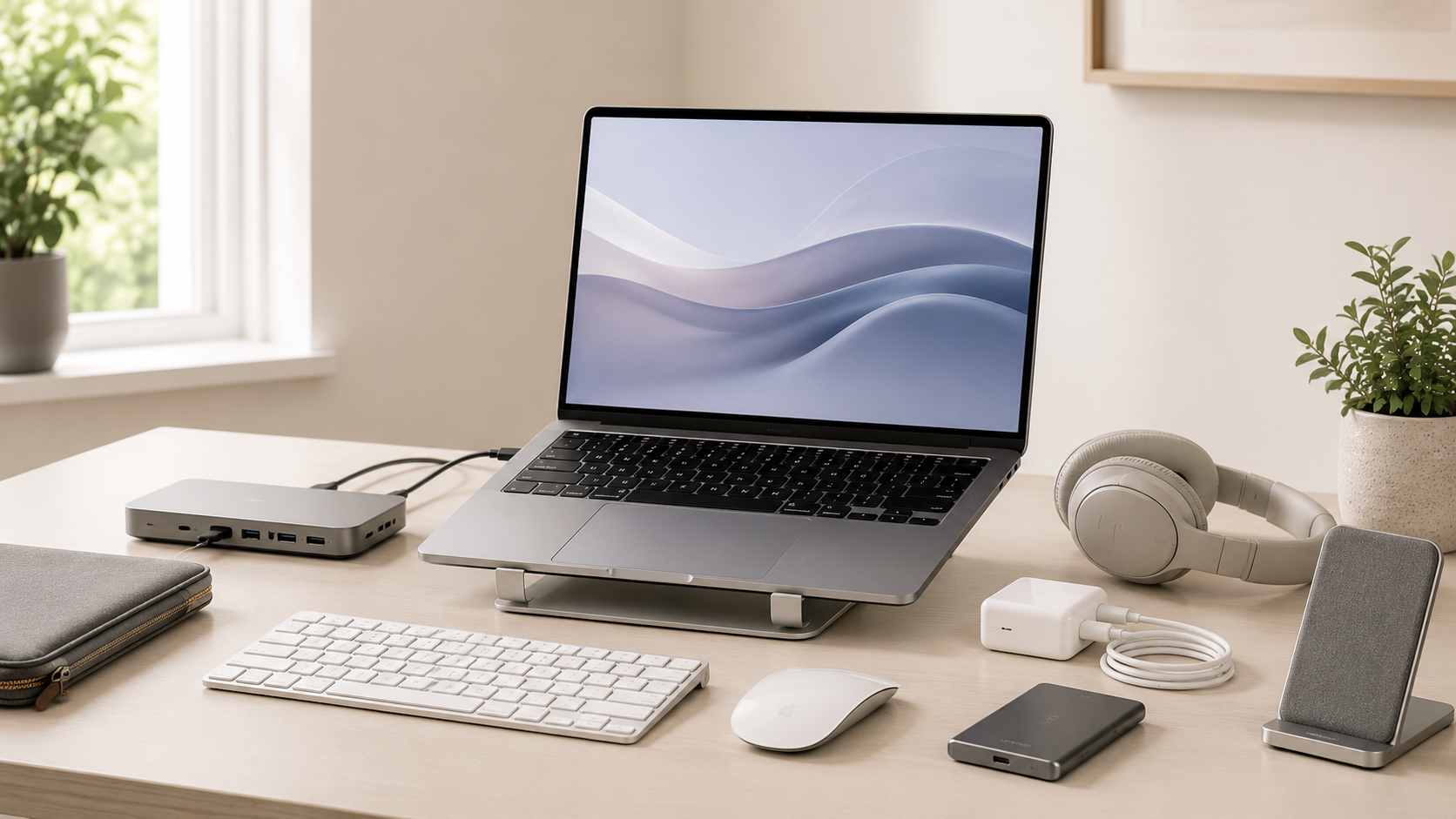
A monitor, keyboard, mouse, stand, and dock can make long work sessions much easier.
Travel protection
A sleeve, case, charger, and compact hub can make a MacBook safer and easier to carry.
Ports and adapters
Many users need USB-A, HDMI, SD card, Ethernet, or extra USB-C connections depending on their workflow.
Desk accessories vs travel accessories
Recommended accessories by user type
Student
Sleeve, extra charger, simple hub, and external storage. Keep the setup light and practical.
Remote worker
Monitor, keyboard, mouse, dock, webcam, and backup storage. Build a comfortable daily desk.
Creator
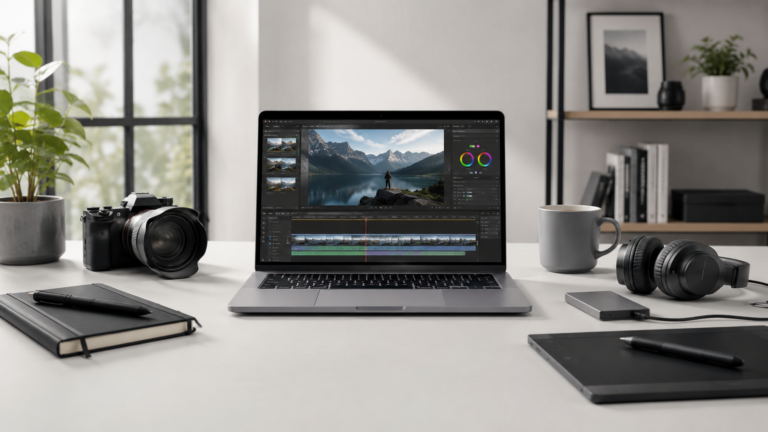
Fast external storage, backup drive, monitor, card reader, dock, and enough charging flexibility.
Traveler
Compact charger, sleeve, cable organizer, small hub, and portable storage. Avoid overpacking.
How much should you spend on accessories?
Start with the accessories that remove friction from your daily workflow. If you constantly run out of storage, buy storage first. If your desk feels cramped, improve the monitor and input setup. If you travel constantly, prioritize protection and charging.
Do not buy every accessory at once. Build the setup around how you actually use the MacBook, then add gear when a real need appears.
Final recommendation
For most MacBook users, the best accessories are external storage, a good charger, and a better desk setup. Those upgrades are practical, useful, and easy to justify.
Add a monitor, dock, keyboard, mouse, sleeve, case, and backup drive based on your actual workflow. The best accessory is the one that makes the MacBook easier to use every day.
Keep comparing before you buy.
| Best Monitor for MacBook | Mac Storage Guide |
| MacBook Air vs Pro | Best Mac Deals |
Affiliate disclosure: As an Amazon Associate I earn from qualifying purchases. Some buttons on this page may be affiliate links, meaning ShopMac may earn a commission at no extra cost to you. Recommendations are based on what makes sense for buyers, not the highest commission.