Best Mac for Music Production
The best Mac for music production depends on how serious your workflow is. A casual GarageBand user does not need the same setup as someone running Logic Pro projects with large sample libraries, plug-ins, recording sessions, mixing chains, and professional audio gear.
Most serious music producers should start with a MacBook Pro or Mac Studio.
MacBook Air can work well for songwriting, podcasting, GarageBand, basic recording, and lighter Logic Pro projects. But if music production is part of your work, business, school program, studio setup, or weekly creative routine, a MacBook Pro or Mac Studio is usually the safer long-term choice.
14-inch MacBook Pro
The best balance of performance, portability, ports, cooling, and long-term headroom for serious music production.
16-inch MacBook Pro
Better for larger sessions, more screen space, heavy plug-ins, orchestral libraries, and mobile studio workflows.
MacBook Air
Excellent for songwriting, demos, podcasting, GarageBand, lighter Logic projects, and casual recording setups.
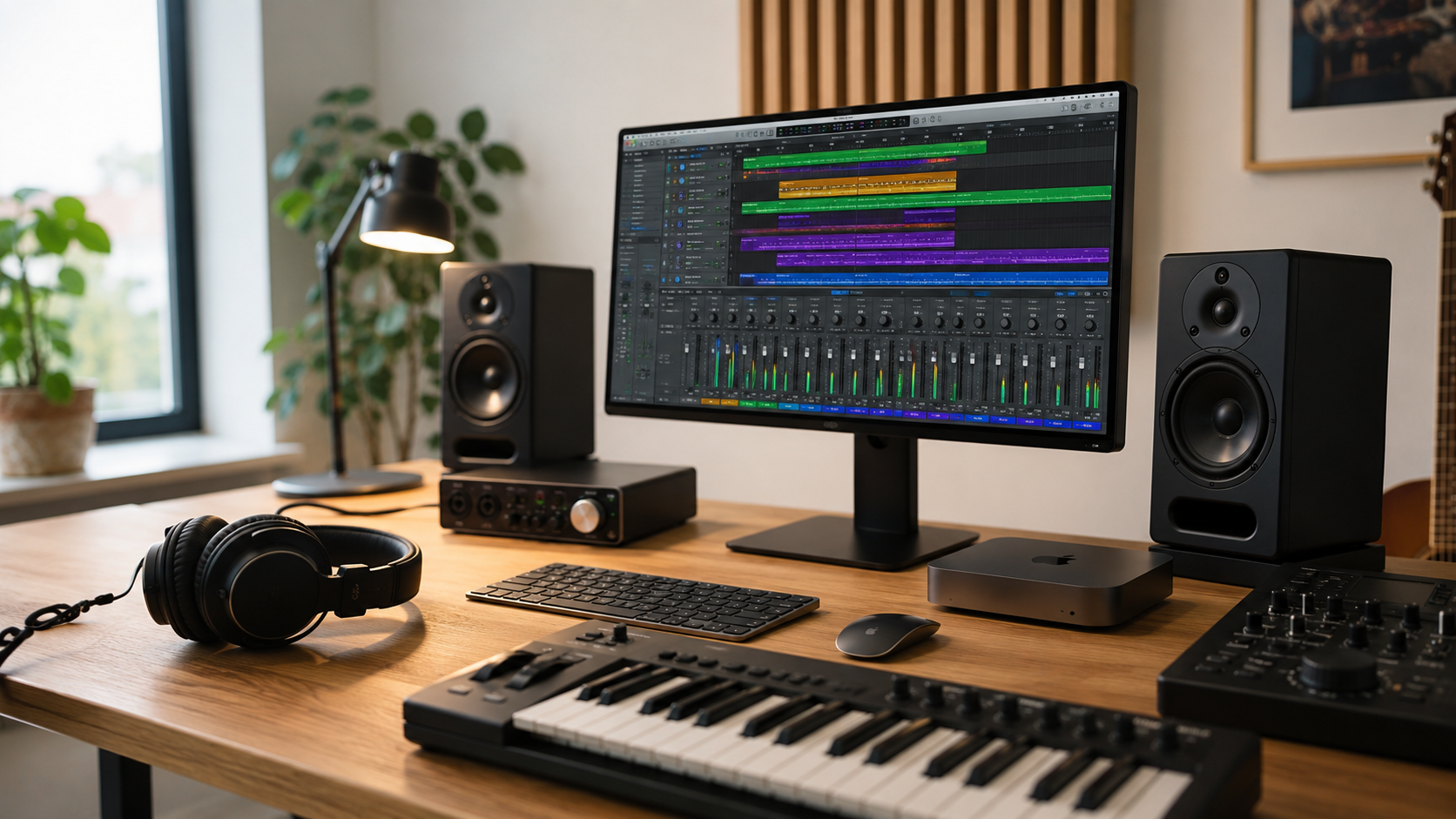
Mac Studio
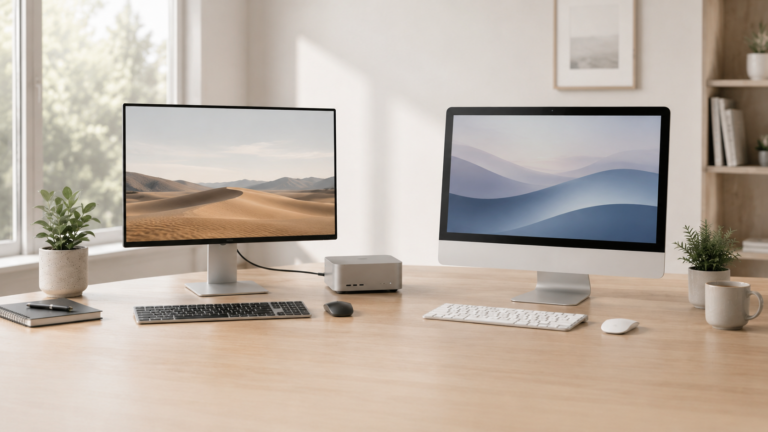
Ideal for permanent studio setups with large projects, external storage, audio interfaces, and demanding workflows.
Choose MacBook Pro if your sessions are more than casual.
The MacBook Air can handle lighter music work, but the Pro becomes easier to justify when sessions get larger, plug-ins stack up, sample libraries grow, exports take longer, or reliability matters during recording and production.
What matters most for music production?
Memory
Plug-ins, virtual instruments, sample libraries, browsers, and background apps can all be active during a session.
Storage
Projects, stems, samples, loops, bounces, recordings, and libraries can use a lot of space quickly.
Sustained performance
Large sessions can push a Mac for long periods, especially with lots of tracks, effects, instruments, and mixing chains.
Ports and setup
Audio interfaces, MIDI controllers, external drives, docks, monitors, headphones, and speakers all affect the real setup.
MacBook Air vs MacBook Pro for music production
Recommended Mac by music workflow
Songwriter or podcaster
MacBook Air. Best for writing, demos, voice recording, podcasts, GarageBand, and lighter production work.
Home studio producer
14-inch MacBook Pro. Better for Logic sessions, plug-ins, recording gear, multitasking, and portable studio setups.
Composer or mixer
16-inch MacBook Pro. Better for large sessions, timelines, track views, plug-in chains, and long production days.
Permanent studio setup
Mac Studio. Best for a fixed desk with monitors, interfaces, external drives, controllers, and demanding production work.
How much should music producers upgrade?
For music production, memory and storage are often the smartest upgrades. A faster chip can help, but large sample libraries, plug-ins, background apps, and long sessions can make memory and storage feel more important day to day.
If your music work is casual, do not overspend. If you produce regularly, record clients, work with large sessions, or keep a Mac for years, avoid the bare minimum configuration. Also budget for the rest of the setup: audio interface, microphone, headphones, monitors, external storage, backup, and software.
Final recommendation
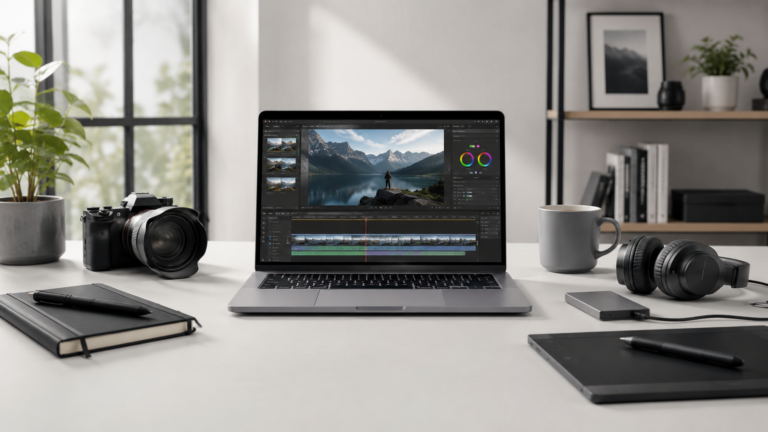
For most serious music producers, the 14-inch MacBook Pro is the best place to start. It gives strong performance, useful ports, portability, and enough headroom for larger projects without jumping straight to the biggest Mac.
Choose MacBook Air for lighter music work, songwriting, demos, and podcasting. Choose the 16-inch MacBook Pro if screen space matters. Choose Mac Studio if you are building a permanent studio setup and your sessions are heavy enough to justify desktop power.
Keep comparing before you buy.
| Mac Processor Guide | Mac Memory Guide |
| Mac Storage Guide | Best Mac Deals |
Affiliate disclosure: As an Amazon Associate I earn from qualifying purchases. Some buttons on this page may be affiliate links, meaning ShopMac may earn a commission at no extra cost to you. Recommendations are based on what makes sense for buyers, not the highest commission.